
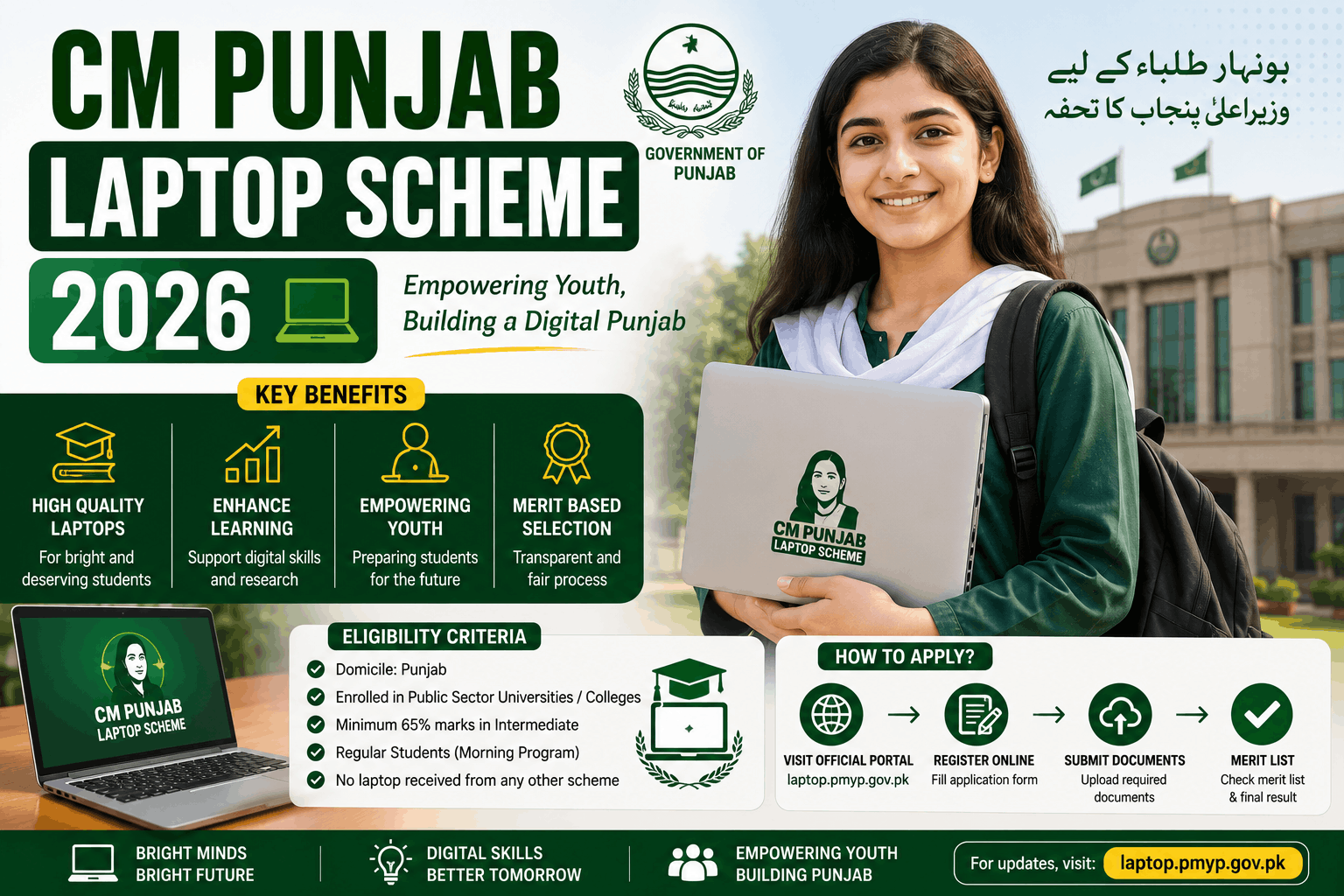
My cousin Zara is in her third year of BS Computer Science at a government college in Faisalabad. For the past two years, she’s been doing her assignments on her younger brother’s phone — a mid-range Android with a cracked screen — because there was no laptop at home and buying one wasn’t something the family could manage right now.
She heard about the CM Punjab Laptop Scheme in January through a classmate. By February, she’d registered. By April, she was sitting in a distribution ceremony with a brand new laptop in a box on her lap.
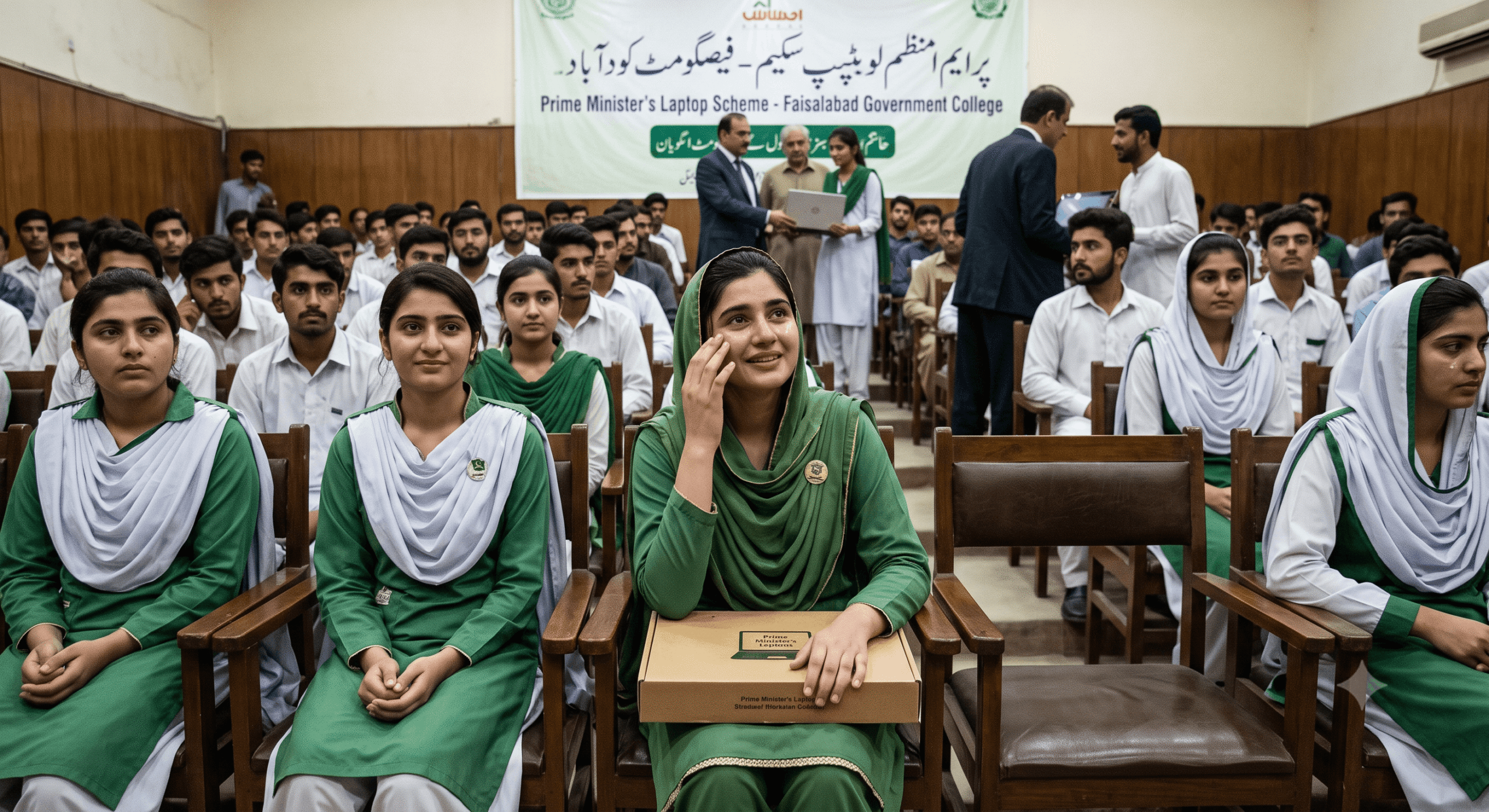
She called me right after. She was crying — not dramatically, just that quiet kind of emotional when something you’ve been waiting for a long time finally comes through.
That’s the real impact of this program. Not a policy announcement. Not a press conference. A student who can finally do her work properly.
But here’s what she also told me: three of her classmates who were equally eligible didn’t get laptops in that distribution round. Not because they were rejected — because they either registered too late, submitted incomplete information, or simply didn’t know the process well enough to follow through correctly.
This guide exists for those three students and everyone like them.
What the CM Punjab Laptop Scheme 2026 Actually Is
The Chief Minister Punjab Laptop Scheme — sometimes called the Hamza Laptop Scheme or Punjab Laptop Scheme depending on when you first heard about it — is a government initiative that provides free laptops to students enrolled in government colleges and universities across Punjab.
The scheme has existed in various forms under different governments for over a decade. In 2026, it’s running under the current Punjab government with a fresh batch of laptops, updated eligibility criteria, and an online application process that’s meant to be simpler than earlier iterations.
The goal is to bridge the digital divide for students who have the academic standing to benefit from technology but not the financial means to access it.
In 2026, the scheme is targeting:
- Undergraduate and postgraduate students in government degree colleges
- Students in public sector universities across Punjab
- Students from low to middle income backgrounds with demonstrated academic merit
- Both male and female students (with a portion of laptops specifically reserved for female students)
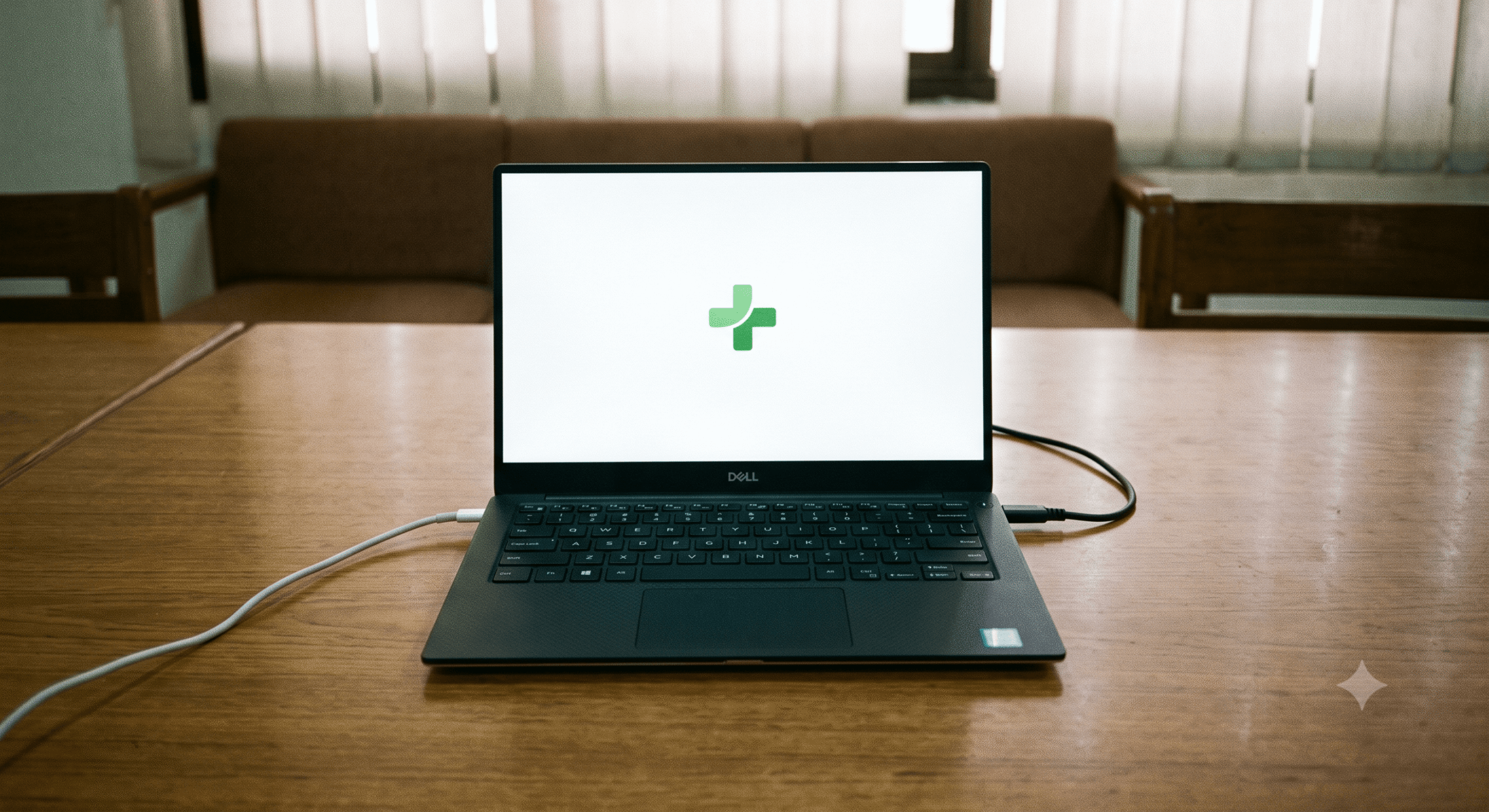
The laptops being distributed in 2026 are mid-range Windows machines — functional for academic work, internet browsing, Microsoft Office, and most coursework applications. Don’t expect a gaming rig, but for a student doing assignments, research, and online classes, they’re solid.
Who Is Eligible — The Real Criteria
This is where a lot of confusion lives. Let me break it down clearly.
You must be enrolled in a government institution. Private university and private college students are not eligible under this scheme. It specifically targets public sector educational institutions registered with the Punjab Higher Education Commission (PHEC) or the Higher Education Commission (HEC).
You must be a Punjab domicile holder. Your CNIC or B-Form should reflect Punjab as your domicile province.
Minimum academic performance requirement. This varies slightly depending on the institution and the batch, but generally you need to have passed your previous semester or year with a minimum of 60% marks or a 2.5 CGPA on a 4.0 scale. Strong academics improve your chances — the selection process is merit-weighted.
You should not already own a laptop. The scheme has a self-declaration component where you confirm you don’t currently have a personal laptop. This is a honesty-based declaration — there’s no NADRA-linked asset check — but submitting false information can result in disqualification if discovered.
Income consideration. While not always a hard cutoff, the scheme prioritizes students from lower-income families. Some application forms ask for household income information. Being from a financially constrained background genuinely helps here.
You should not have received a laptop under a previous government scheme. Students who already received a laptop under earlier iterations of this or similar provincial schemes are not eligible to apply again.
How to Apply — Step by Step
Step 1: Confirm Your Institution Is Participating
Not every government college and university in Punjab automatically participates in every distribution round.
The first thing to do is check whether your institution is on the approved list for 2026.
Go to the official Punjab IT Board (PITB) website or the Punjab Higher Education Commission portal. The approved institution list is usually published there when applications open. You can also ask your college administration — they receive formal communication from the government about participation status.
If your institution isn’t on the list for this round, there’s nothing to apply to yet. Wait for the next distribution batch, which typically happens within the same academic year.
Step 2: Get Your Documents Ready Before the Portal Opens
Application windows for the laptop scheme open and close quickly — sometimes within two to three weeks.
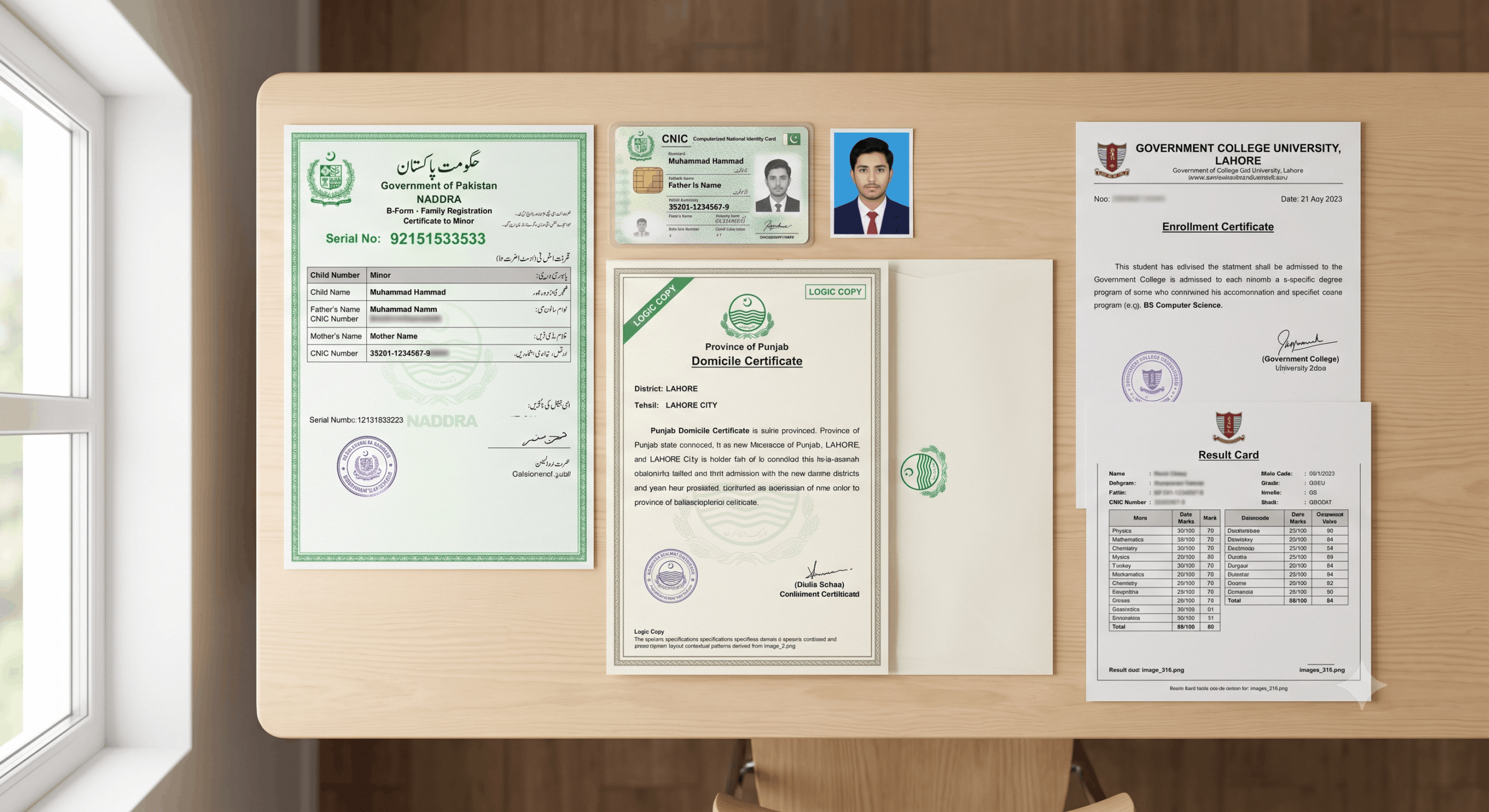
Having your documents already scanned and ready means you won’t waste time scrambling when the deadline is close.
Documents you’ll typically need:
- CNIC or B-Form (for students under 18)
- Domicile certificate (Punjab domicile)
- Current enrollment certificate from your college or university (issued by the Registrar or Examination Department)
- Last result card/transcript showing your marks or CGPA
- Passport-sized photograph (digital, clear background)
- Institution’s registered email or CNIC-linked contact for account creation
Some application cycles also ask for a parent/guardian’s CNIC and income documentation. Have these ready too.
Step 3: Register on the Official Portal
The application is submitted through the official Punjab laptop scheme portal — typically managed by PITB (Punjab Information Technology Board). The URL is usually announced through:
- The PITB official website: pitb.gov.pk
- Punjab government’s education department social media accounts
- Your institution’s official notice board or administration office
Create an account using your CNIC number and a valid email address. Use an email you actually check — all correspondence, including confirmation of application receipt and distribution scheduling, comes through email.
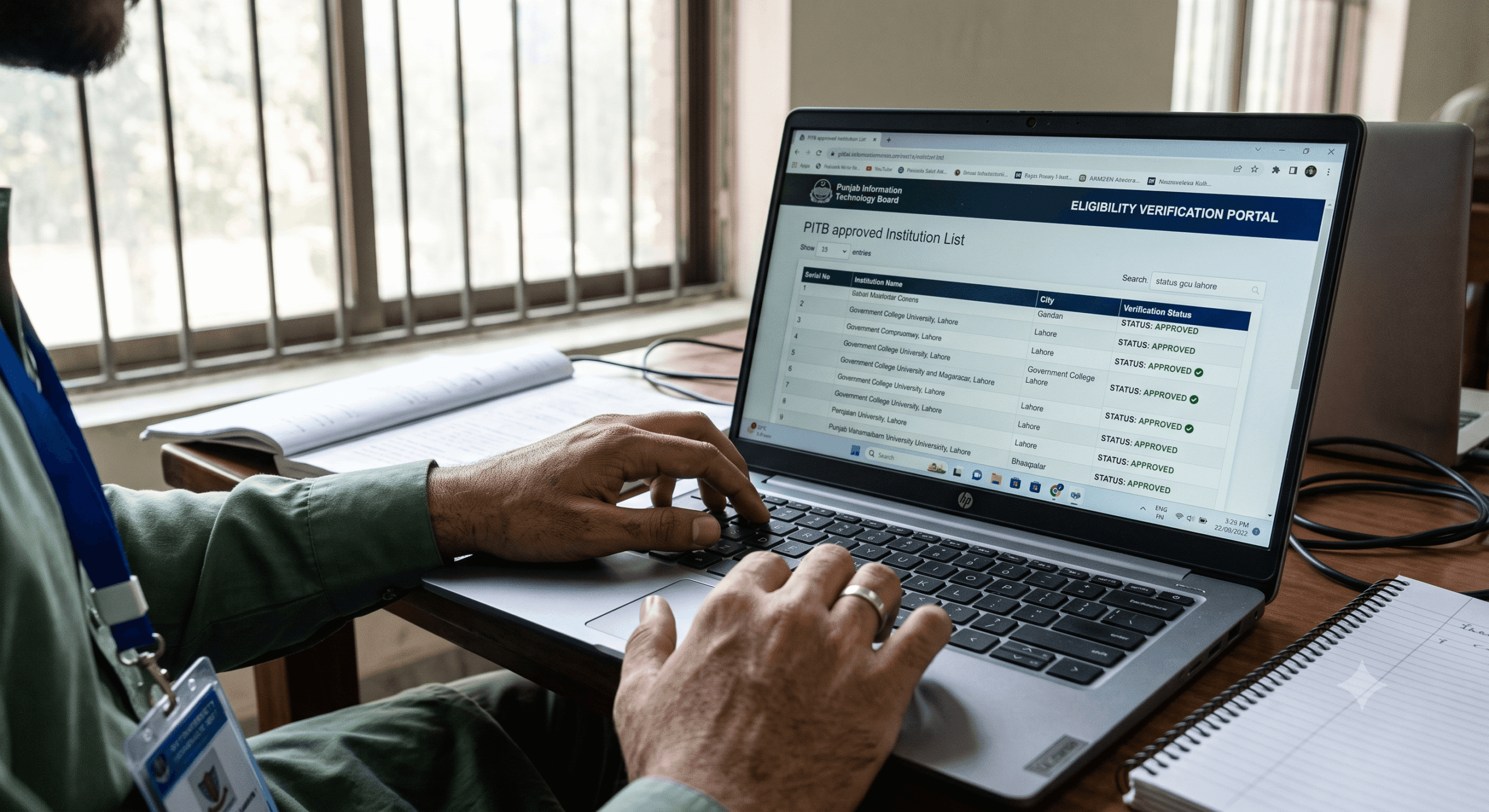
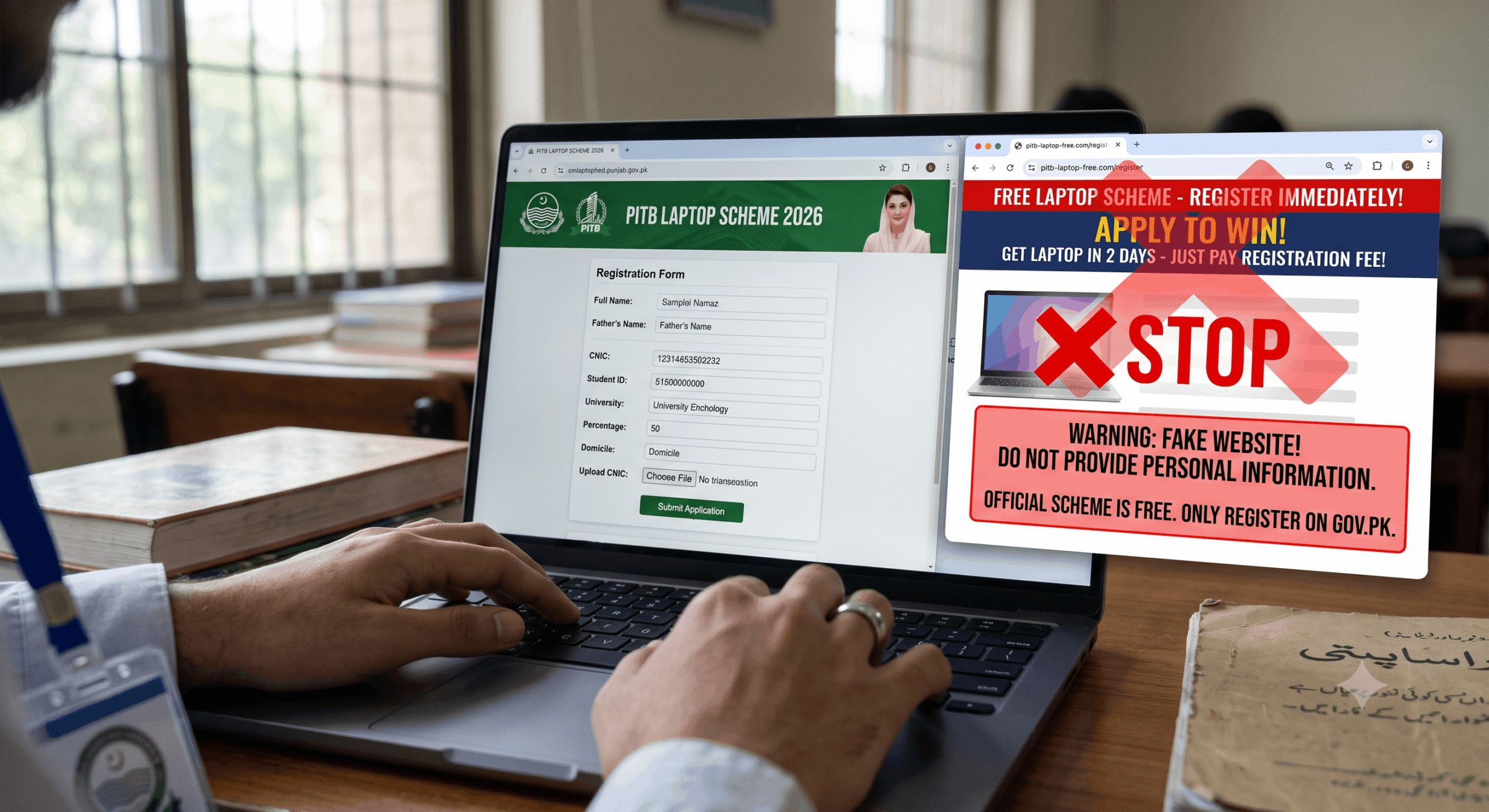
Do not use unofficial third-party websites that claim to process laptop scheme applications. The only valid applications are through the officially announced government portal.
Step 4: Fill the Application Carefully
The online form asks for:
- Personal details (matching your CNIC exactly — spelling matters)
- Institution name, department, and current semester/year
- CGPA or percentage from last examination
- Household income information
- Declaration that you don’t currently own a laptop and haven’t received one before
Take your time on this form. Errors in your CNIC number, name spelling, or institution name can cause your application to fail verification. If the portal allows you to save a draft before submitting, use that feature — review everything once before final submission.
After submitting, take a screenshot of the confirmation page and save the application reference number. This is your proof of submission.
Step 5: Wait for Merit List Publication
After the application window closes, the government publishes a merit list — the names of students selected for laptop distribution in this batch. This list is published on the same official portal and sometimes shared with institution administrations.
Check the merit list as soon as it’s published. Your CNIC number or application reference number will appear if you’ve been selected.
If you’re on the list — great. Your institution will receive communication about the distribution ceremony or collection date.
If you’re not on this list, you may still be on a waiting list for the next batch within the same distribution cycle. Check the portal and follow up with your institution’s administration.
Step 6: Attend the Distribution Event
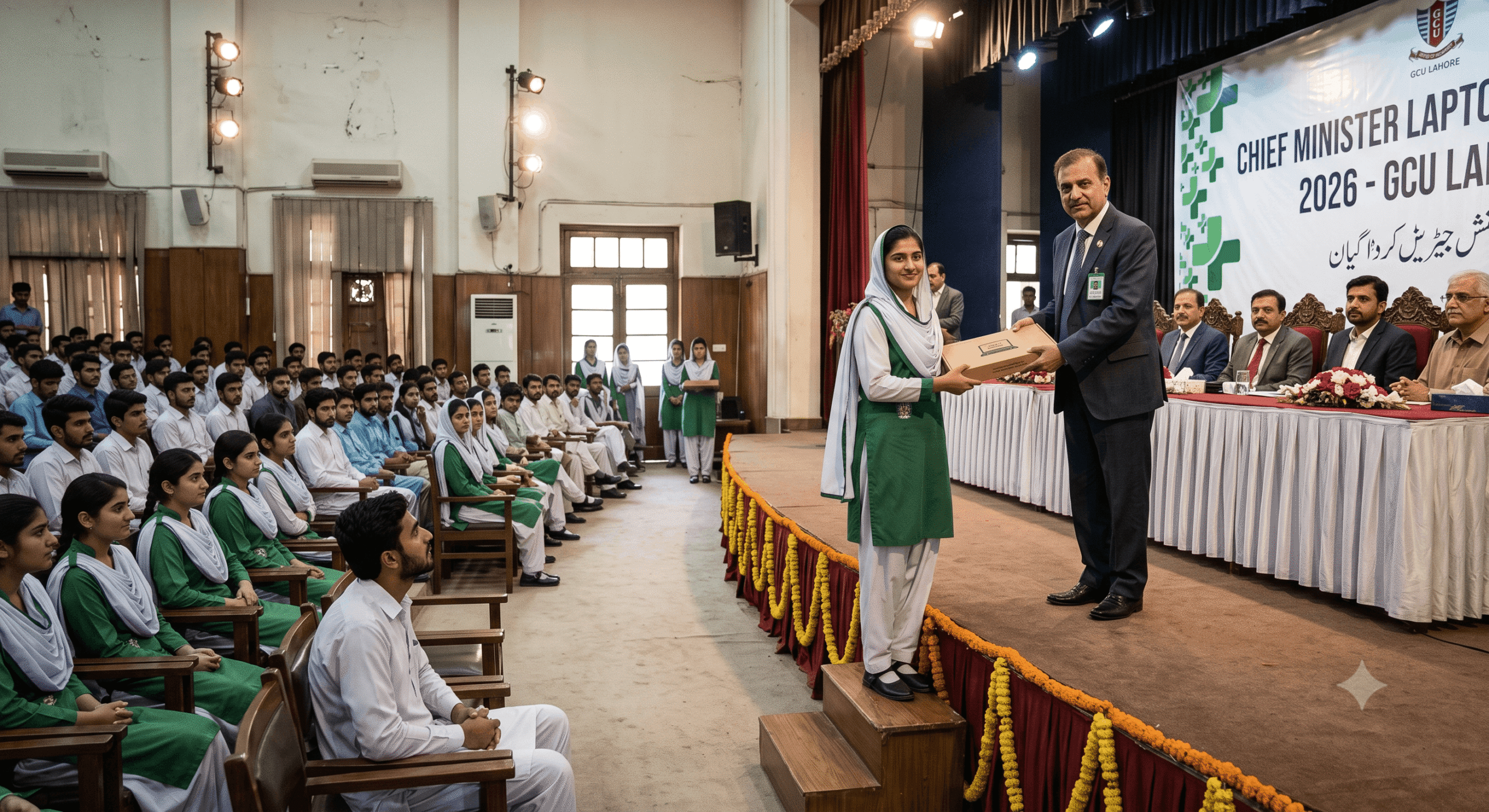
Laptop distribution is typically done at a formal distribution ceremony organized either centrally (at a government venue in Lahore or the provincial capital) or at the individual institution level depending on the batch size.
When going to collect your laptop, bring:
- Original CNIC (or B-Form)
- Printed or digital copy of your selection notification
- Your student ID card from your institution
- The enrollment certificate you submitted with your application
You’ll sign for the laptop at the collection point. The laptop is registered in your name. Keep all documentation.
What Happened to Students Who Missed Out — And Why
Going back to Zara’s three classmates — here’s specifically what went wrong for each of them:

Student 1 submitted her application two days after the deadline because she thought the deadline was when applications would be reviewed, not when they would close. She had all her documents ready. She just missed the window.
Lesson: The deadline is the submission deadline. Not a soft guideline. Once the portal closes, it closes.
Student 2 submitted on time but put her old result card from two years ago instead of her most recent one. Her current CGPA was actually higher, but the application was processed on the document submitted. Her merit score came out lower than it should have and she fell just below the cutoff.
Lesson: Always submit your most recent academic record, not the first one you find.
Student 3 registered on a third-party website that looked like the official portal. She filled in all her details, got a “confirmation,” and thought she was done. The real portal had a different URL that was announced later. She never actually submitted a valid application.
Lesson: Only the official PITB or government education portal is valid. Verify the URL through your institution’s administration before submitting anything.
Common Mistakes to Avoid
Applying through unofficial websites. This is the most dangerous mistake. Some websites mimic the official portal design and harvest your CNIC, address, and other details without ever submitting a real application.
Inconsistent name spelling. If your CNIC says “Muhammad Arslan” and your enrollment certificate says “M. Arslan” and your result card says “Arslan Muhammad,” the system may flag a mismatch. Make sure names are consistent across documents before applying.
Using an email you don’t check. All scheme communication goes to email. If you applied with an old university email that you rarely open, you might miss distribution scheduling notices.
Not following up after submission. Submitting the application is step one. Checking the merit list when it publishes, confirming with your institution, and showing up on collection day are all separate steps that require active follow-through.
Assuming you’ll be notified automatically. The system doesn’t always send personal SMS alerts. You have to actively check the merit list on the portal.
Frequently Asked Questions
Can students from private universities apply? No. The CM Punjab Laptop Scheme is specifically for students in public sector institutions affiliated with HEC or PHEC. Private university students are not eligible.
What if I applied but didn’t get selected this round? Your application data is typically carried forward to the next distribution batch within the same academic year. You may be selected in a subsequent round. Keep checking the portal.
Can I sell the laptop after receiving it? Officially, the laptop is distributed for educational purposes and is registered in the recipient’s name. Selling or transferring it shortly after receipt would be contrary to the scheme’s intent and could potentially disqualify you from future government scheme benefits if discovered. Practically, people do sell them — but it’s not what the program is for, and it’s worth thinking about before doing so.
What brand/specs are the 2026 laptops? The exact specifications for 2026 laptops haven’t been fully confirmed at the time of writing. Previous distributions have included Lenovo, HP, and Dell mid-range models. For current specifications, check the official PITB portal or contact your institution’s administration once the distribution cycle is announced.
Is there an age limit? There’s no hard age cutoff published in most scheme guidelines, but the program targets regular enrolled students. Students significantly older than the typical university age range may face scrutiny during verification.
One Thing Worth Saying Directly
The Punjab Laptop Scheme has been criticized over the years — for inconsistent implementation, for political timing around elections, for batches that don’t reach students in smaller districts as efficiently as those in larger cities.
Those criticisms are worth knowing about. But they don’t change the fact that for students like Zara, the laptop that arrived was real, it was functional, and it changed her day-to-day academic life in a meaningful way.
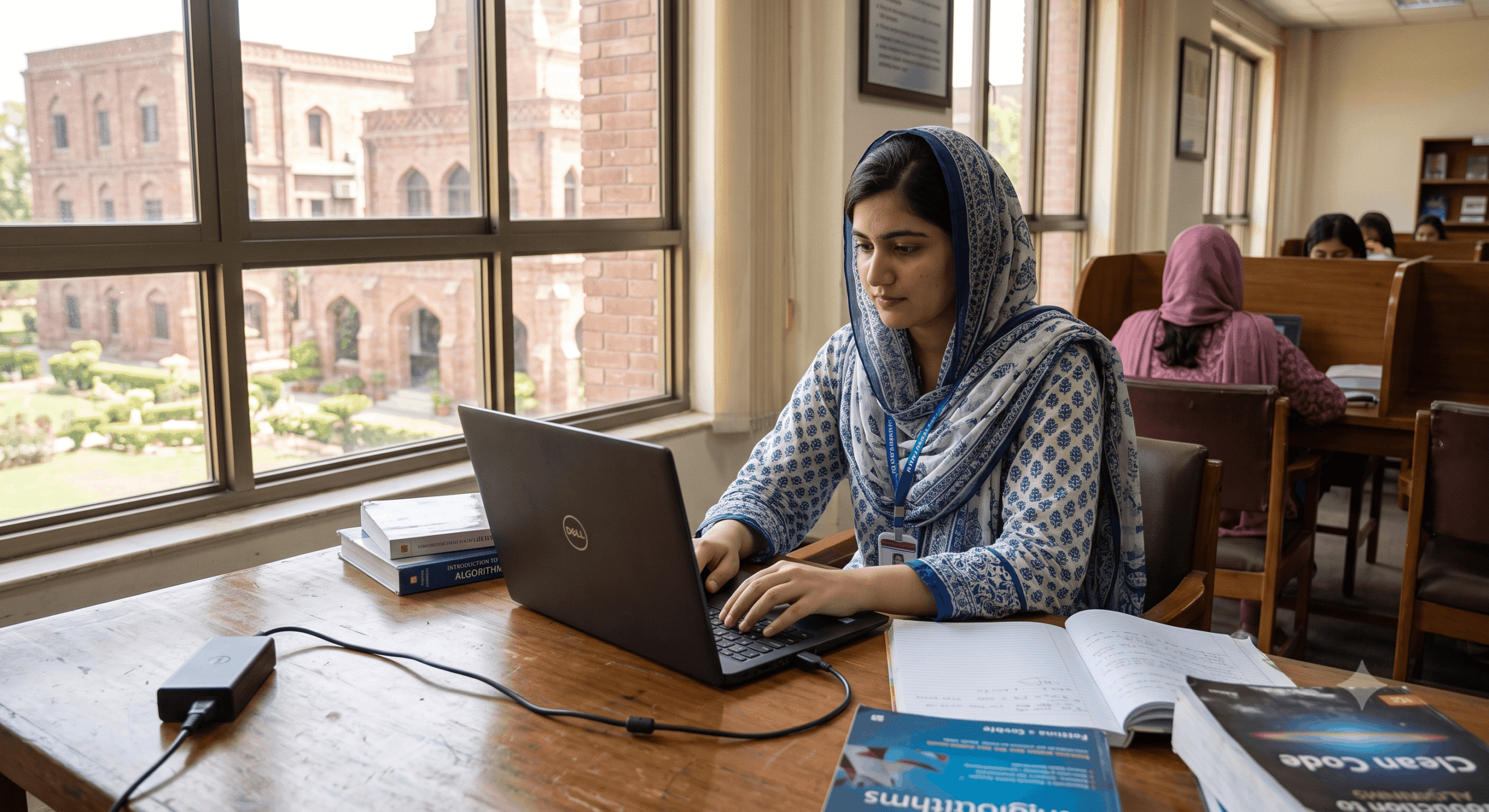
If you’re eligible, apply. Apply on time, apply correctly, apply through the right portal. Don’t let process confusion be the reason you miss something you genuinely qualify for.
The scheme isn’t perfect. But it’s real, and right now it’s open.
Have questions about the application process or got stuck at a specific step? Leave a comment and we’ll try to help you figure it out.
If you’re a deserving student in Punjab, don’t miss the opportunity to receive a free laptop through the CM Punjab Laptop Scheme. Visit the official application portal below to verify your eligibility and complete your online registration.
Apply for CM Punjab Laptop Scheme Official