
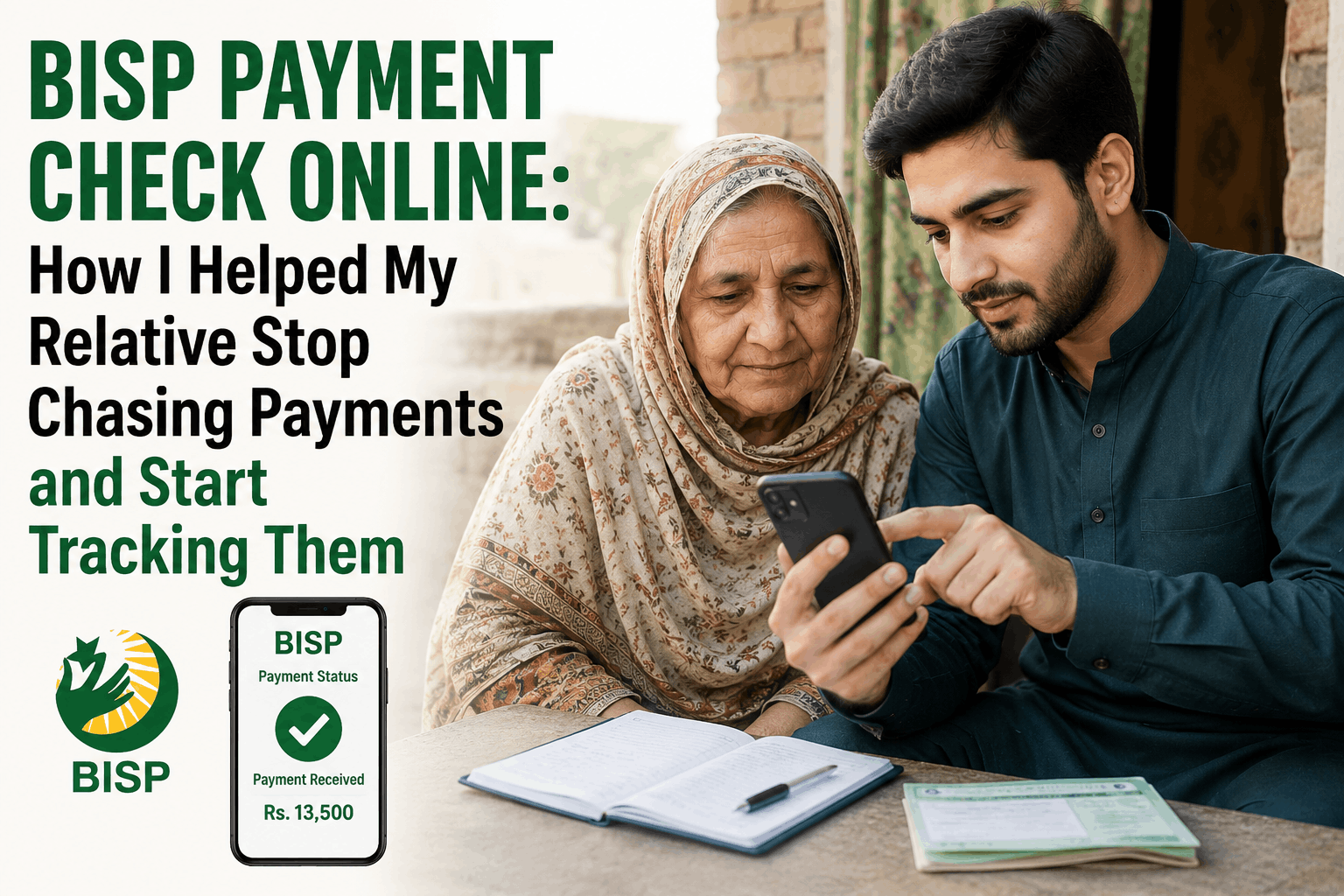
Three neighbors, three different answers, zero actual information — that’s the typical result of asking around about a delayed BISP payment instead of checking directly.
One beneficiary went through exactly this when her payment didn’t arrive on the expected date: one neighbor said payments were delayed generally, another said hers had come through fine, a third suggested she might have been removed from the list. None of it was reliable, and none of it resolved anything.
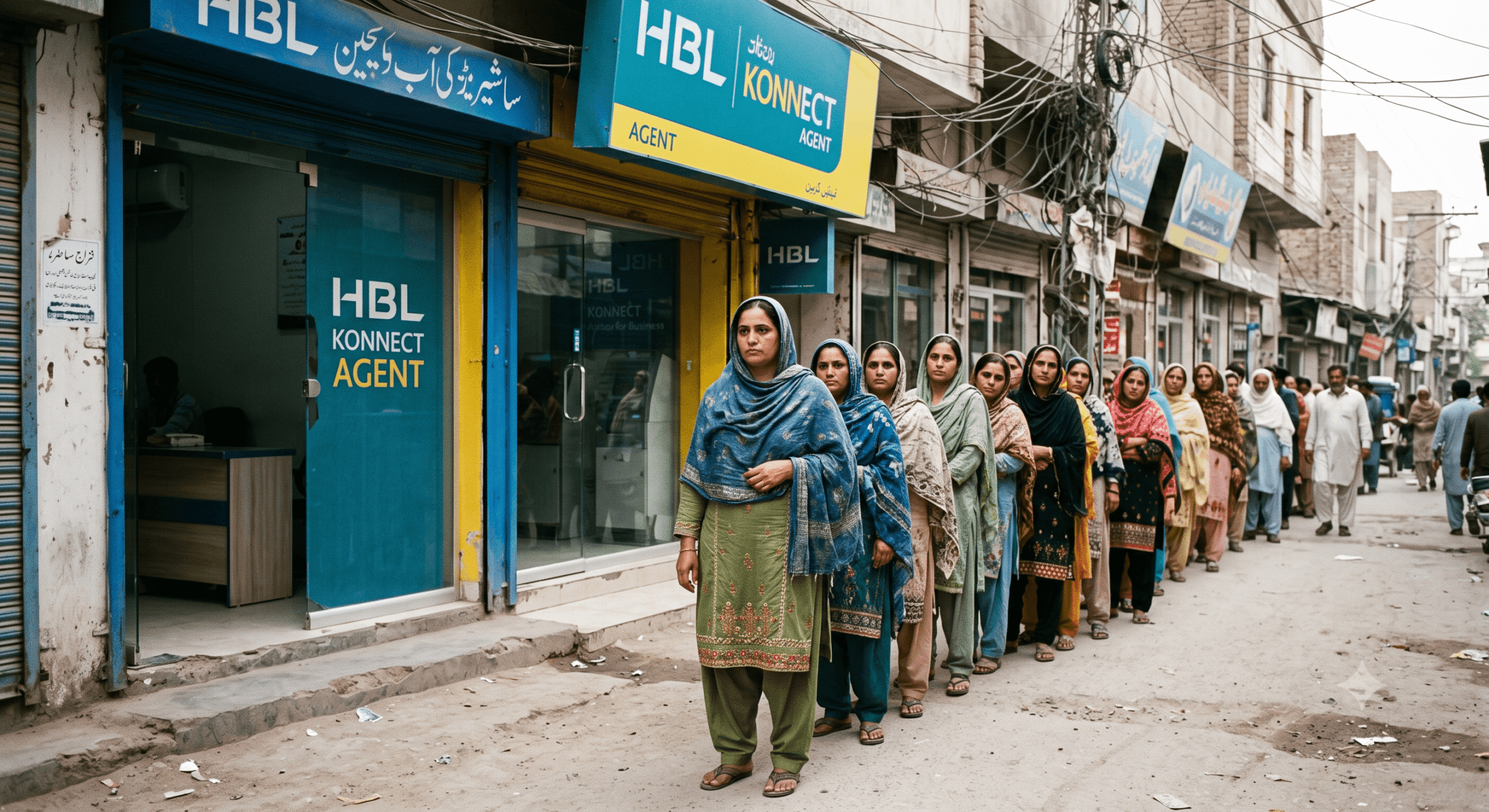
The next step was a trip to the nearest HBL Konnect agent — over an hour in line, only to be told the payment hadn’t arrived yet and to check back in a few days. Half a day and bus fare spent on information that, it turns out, was available from home in about 90 seconds. Nobody had told her that checking online was even an option.
That’s the actual gap here — not a lack of programs or a lack of payments, but a lack of awareness about how simple the status check already is. Here’s exactly how to check BISP payment status online, right now, on whatever phone happens to be available.
Why Checking Your BISP Payment Status Matters
Let’s be honest about something first. BISP payments don’t always arrive like clockwork. Delays happen — sometimes because of system-side processing, sometimes because of biometric issues, sometimes because of a flag on the account that needs to be cleared.
The problem isn’t always the delay. The problem is not knowing why there’s a delay and whether you need to do anything about it.
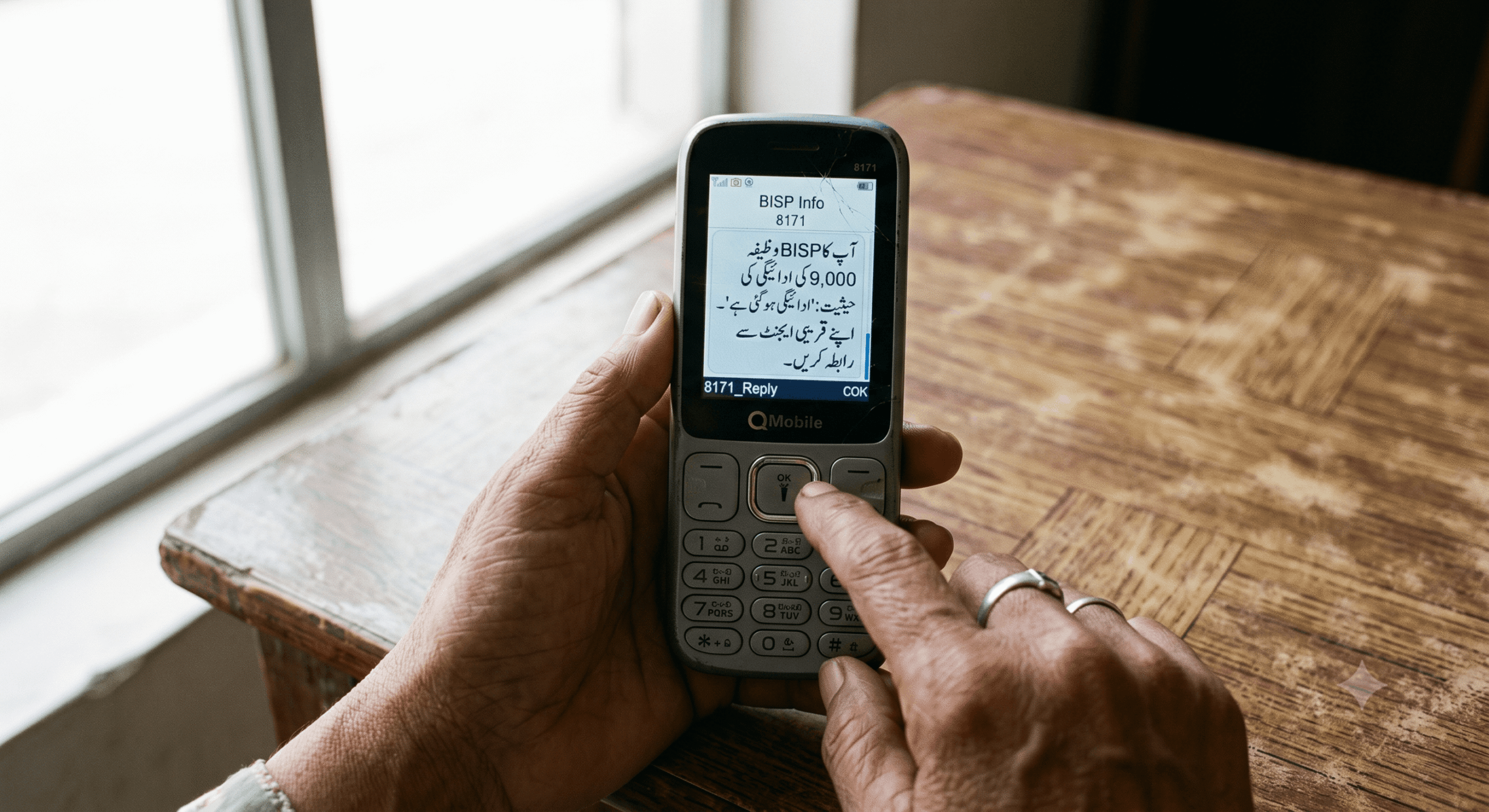
Checking your payment status online tells you:
- Whether your payment has been released or is still processing
- The exact amount that was sent
- Whether there’s a flag or hold on your account
- The date the payment was dispatched
- Which payment quarter or tranche it covers
That information changes the whole situation. Instead of guessing, you know. And if there’s a problem, you know to go to the BISP office and get it fixed — rather than making repeated trips to the payment agent only to be turned away empty-handed.
Method 1: The 8171 SMS — Still the Most Accessible Option
Before we talk about the web portal, let’s talk about the method that works for the most people — especially in rural areas, for older beneficiaries, and for anyone without a smartphone or stable internet.
The 8171 SMS service is free, works on any basic mobile phone, and takes less than two minutes.
Here’s exactly how to do it:
Step 1: Open the messaging app on any mobile phone. It doesn’t need to be a smartphone.
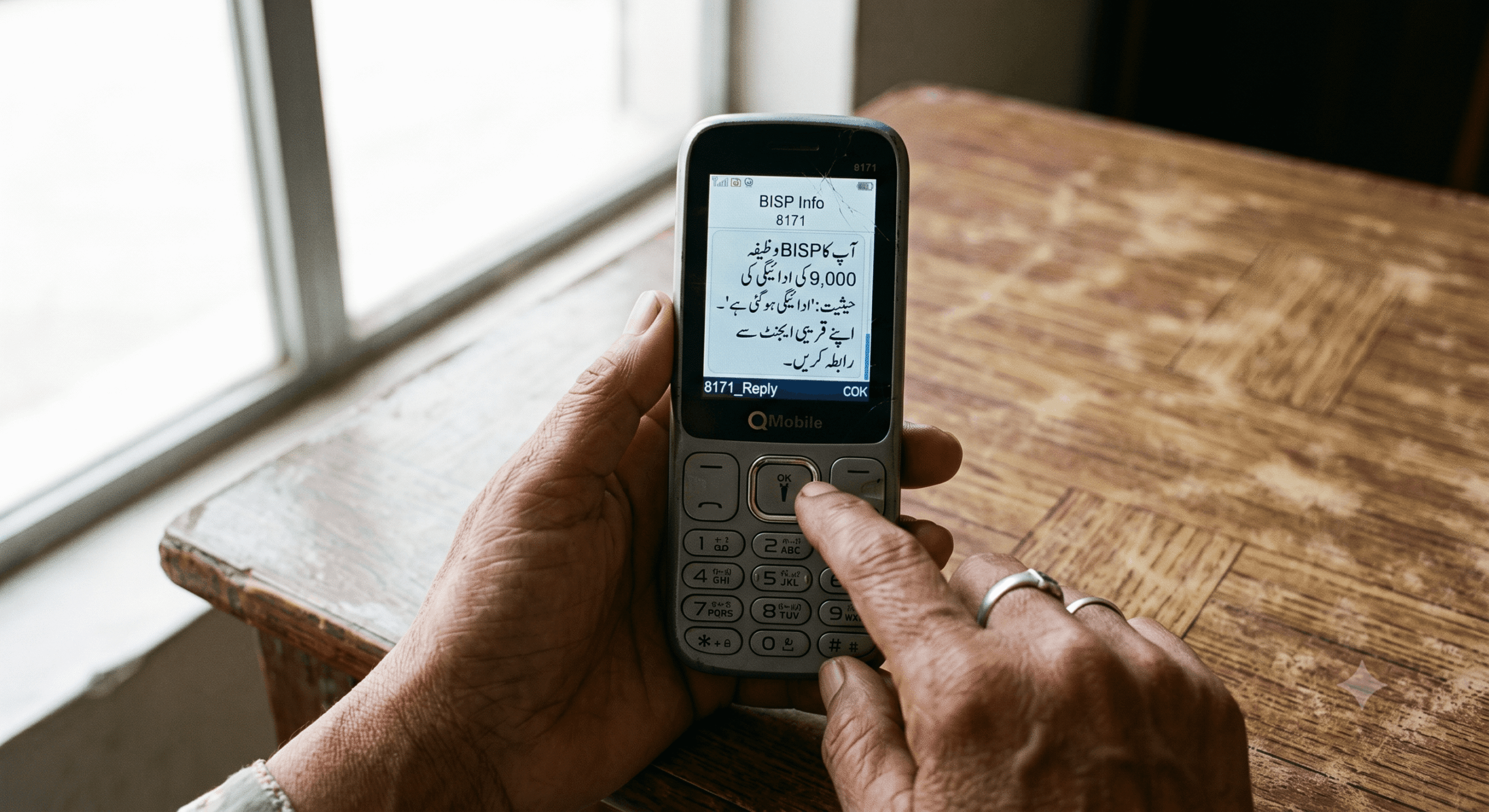
Step 2: Type your 13-digit CNIC number. No dashes, no spaces. Just the numbers exactly as they appear on your ID card.
Example: 3520198765432
Step 3: Send this message to 8171.
Step 4: Wait for the reply. On most networks — Jazz, Telenor, Zong, Ufone — the reply comes within 30 seconds to 2 minutes.
The reply will tell you your current payment status, whether a payment has been released, and sometimes the amount.
A few things worth knowing:
The SMS works best when sent from the registered mobile number linked to the CNIC. If you send from a different number, you’ll still often get a response, but it may be more generic.
The service is supposed to be free on major networks, but on certain packages or prepaid plans, you might get charged for short codes. If you’re on a tight balance, check with your network first or ask someone else to send it.
And importantly — the reply is in Urdu. If the person checking isn’t comfortable reading Urdu SMS text, they may need help interpreting what it says.
Method 2: The BISP Web Portal — More Detail, Needs Internet
If you have access to the internet on a smartphone or computer, the official BISP web portal gives you more detailed payment information than the SMS.
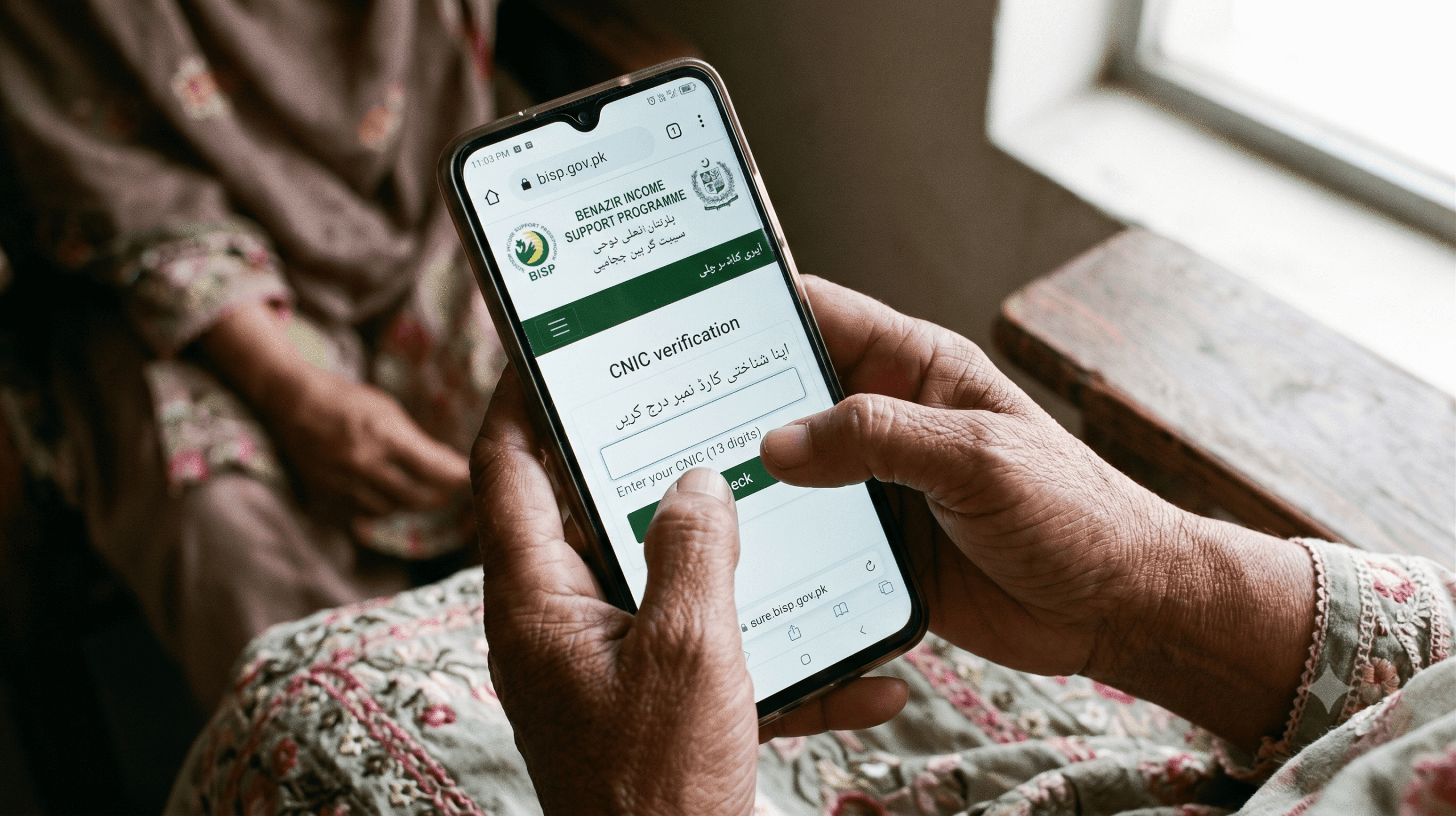
Step 1: Open your browser and go to https://bisp.gov.pk
Make sure you’re on the correct address. The URL ends in .gov.pk — that’s the government domain. There are copycat websites that look similar but aren’t official. If the address doesn’t have .gov.pk, close it immediately.
Step 2: On the homepage, look for the section related to beneficiary status or payment check. In recent updates to the portal, this has been made more visible on the main page — you shouldn’t need to dig through menus to find it.
Step 3: Enter your 13-digit CNIC number in the field provided and submit.
Step 4: The portal will display your current status. This typicBiometric Pending / Bioally includes:
- Your eligibility status
- The latest payment tranche information
- Payment release date
- Amount
- Which BISP center your account is registered under
Compared to the SMS, the portal gives a clearer picture — especially if you’re trying to understand why a payment was delayed or whether there’s a specific issue with your account.
One honest note: Government portals in Pakistan can occasionally be slow, go offline for maintenance, or have pages that don’t load properly on older Android phones with low memory. If the portal isn’t loading for you, try again on a different browser, clear your cache, or use the SMS method instead.
Method 3: Checking Through the BISP Helpline
If neither the SMS nor the web portal is working for you, there’s a third option that people often forget: calling the official BISP helpline.
Helpline number: 0800-26477 (toll-free)
This is a free call from most networks. You can speak with an operator and ask about your payment status by providing your CNIC number.
The helpline can be busy — especially around payment disbursement dates when many people are calling. Best times to try are mid-morning on weekdays, avoiding the first few days of a new payment cycle when lines are flooded.
The operator can tell you the same information the portal shows, and can sometimes flag if there’s an issue with your account that needs to be addressed at a BISP tehsil office.
Method 4: Checking at HBL Konnect or Designated Payment Agents
This is what most people do, but it’s actually the least efficient option for just checking status. Payment agents — HBL Konnect, Jazz Cash counters designated for BISP, or BISP payment centers — can tell you whether a payment is available for collection.
But they can only confirm what’s in their system at that moment. They can’t tell you why a payment hasn’t arrived or what’s happening on the BISP side. For status checking only, the SMS or portal is faster and doesn’t require leaving your home.
That said, if a payment shows as released on the portal but the payment agent says nothing is there — that’s a discrepancy worth reporting to BISP directly.
What the Different Status Messages Actually Mean
This is where a lot of people get confused. Whether you’re reading an SMS reply or a portal response, the language isn’t always clear. Here’s a translation:
“Payment Released” / “Raqam Jari Ho Gai”: The money has been sent from BISP’s side. It should be available for collection at your designated payment point. If it’s not showing up at the agent yet, it might need 24–48 hours to process through.
“Payment Pending” / “Zair-e-Karwai”: The payment is in the system but hasn’t been released to your account yet. This often happens at the beginning of a new tranche. Check again in a few days.
“Not Eligible” / “Mustahiq Nahin”: Your household’s PMT score from the NSER survey puts you above the eligibility threshold. This doesn’t always mean you’ve been removed recently — it may have always been this way, or a recent resurvey changed your score.
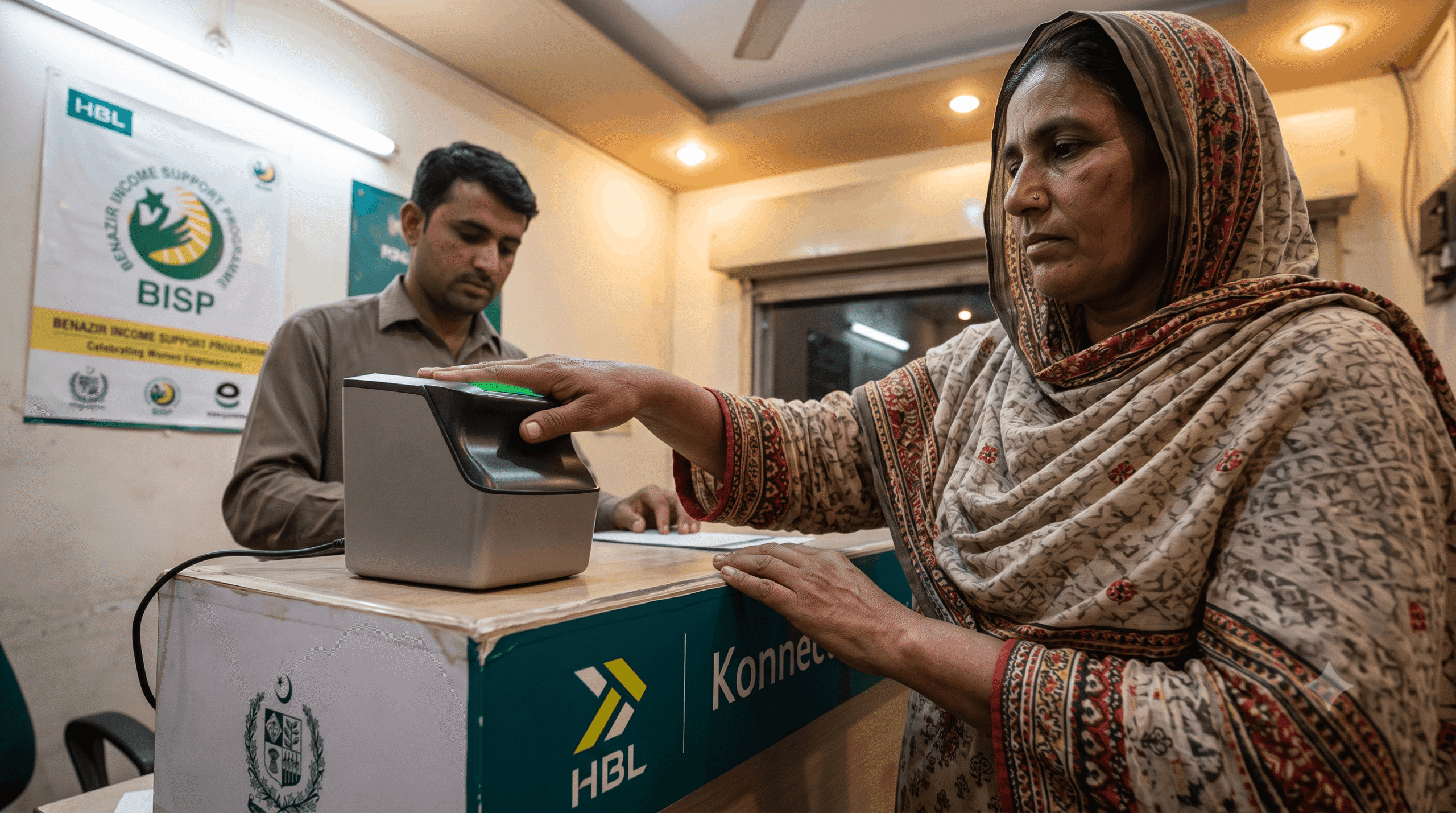
“Biometric Pending” / “Biometric Tassdeq Baaqi Hai”: Your payment exists but can’t be released until your biometric verification (fingerprint) is completed at a BISP payment point. Go in person with your original CNIC.
“CNIC Not Found” / “CNIC Nahi Mila”: The number you entered doesn’t match any registered beneficiary. Double-check the CNIC digits — one wrong number changes everything. Also confirm you’re checking the right person’s CNIC.
“Survey Incomplete”: Your household hasn’t been fully registered in the NSER system. This requires a visit to the BISP tehsil office to complete.
The Mistakes I’ve Seen People Make
After helping several family members and neighbors check their BISP status, a few mistakes come up again and again.
Mistake 1: Checking from a random number instead of the registered one. The 8171 SMS gives more precise information when sent from the phone number registered against the CNIC. If you’re checking for someone else, try to use their registered number, or at least try from your own number and compare.
Mistake 2: Trusting a third-party website. There are sites that claim to be “BISP payment check” portals but are not official. Some just show generic information. Some are designed to harvest CNIC numbers. Always use bisp.gov.pk or the 8171 SMS. If a website is asking for more than just your CNIC number — like a phone number, password, or anything else — leave immediately.
Mistake 3: Panicking when the status shows “pending.” “Pending” does not mean you’ve been removed. It means the payment hasn’t been released yet in the current cycle. BISP payment cycles roll out in phases across different districts. Your area may simply not have been processed yet.
Mistake 4: Assuming the portal is wrong because the payment agent says no. Payment data flows from BISP’s central system to payment agents, and sometimes there’s a lag. If the portal says released and the agent says no, wait 24–48 hours and try again before assuming there’s a problem.
Mistake 5: Giving up after one check. If you get an error or unclear response on the first try, try again on a different day. Portal maintenance windows, high traffic periods, and SMS network delays can all cause temporary issues.
A Real Example of How This Plays Out
My relative’s situation — the one I mentioned at the start — eventually got sorted out once we showed her how to use the 8171 SMS system.
Now, before she makes any trip to the payment agent, she sends the SMS first. Takes 30 seconds. If the reply says “payment released,” she goes. If it says “pending,” she waits a few days and checks again.
She’s saved multiple unnecessary trips since then. More importantly, she’s stopped relying on neighbor gossip for financial information that she can check herself.
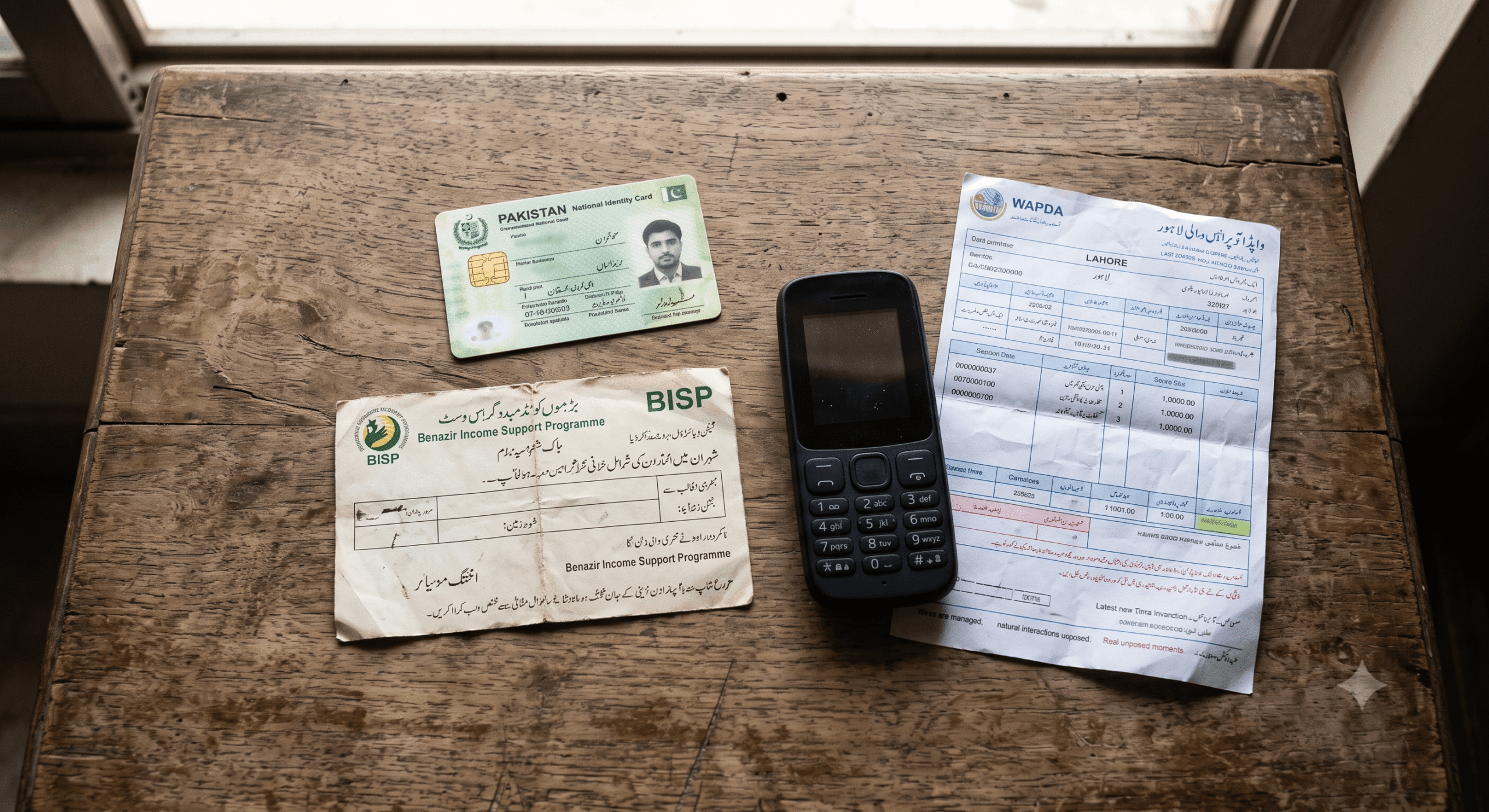
The one time the SMS showed a biometric issue, we knew exactly what to do — go to the BISP center, not the payment agent. She went once, got the biometric cleared, and the payment came through within a week.
That’s the whole point of checking online. Not just convenience. Knowing which problem you’re dealing with so you can solve the right one.
When You Actually Do Need to Visit an Office
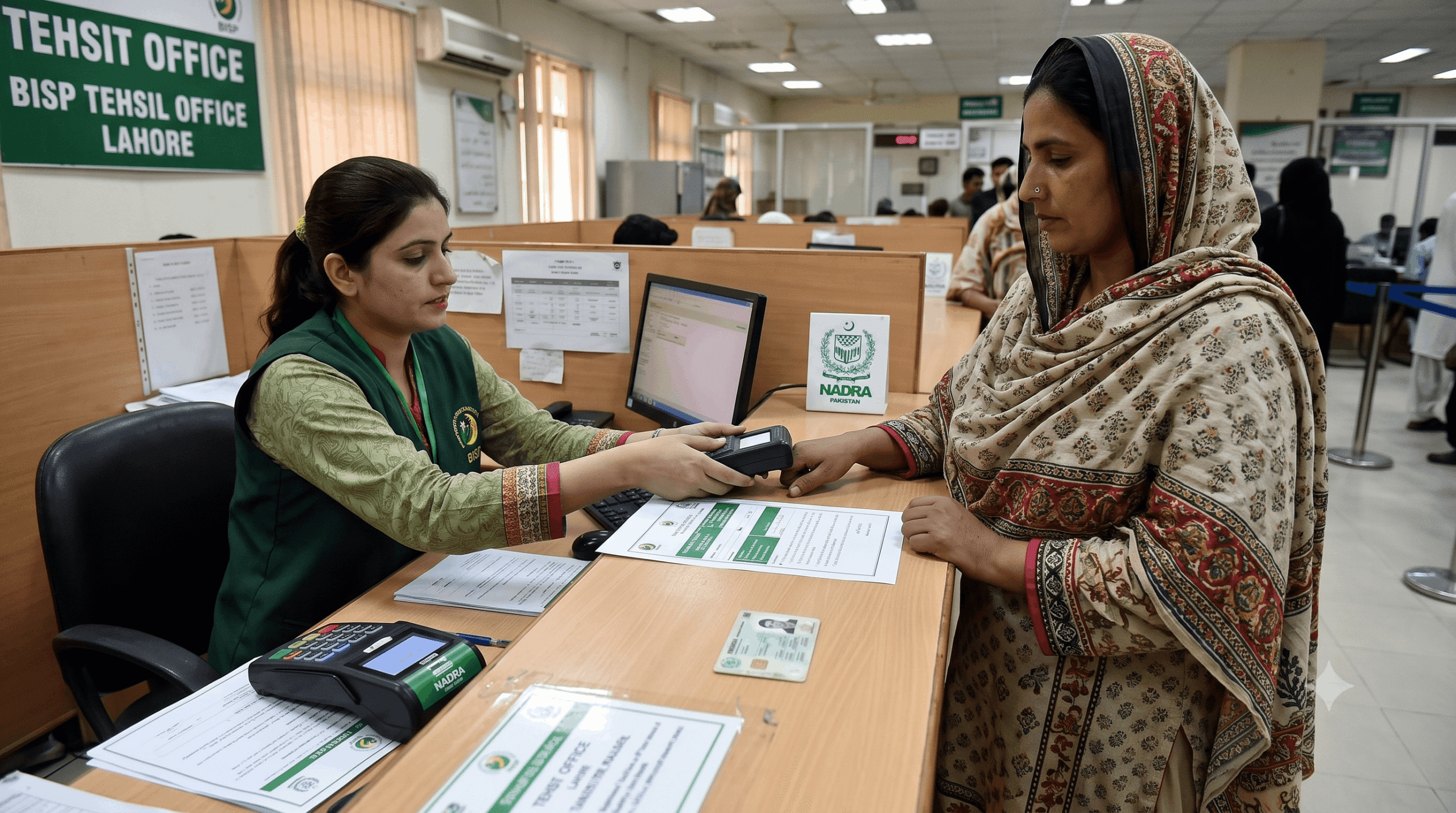
Online checking tells you status. It doesn’t fix problems. If your status shows any of the following, an in-person visit to your nearest BISP Tehsil Office is the next step:
- Survey incomplete
- Account suspended or deactivated
- Repeated “not eligible” results when you believe you should qualify
- Biometric issue that hasn’t cleared even after a payment agent visit
- Payment showing as released for multiple cycles but never received
When you go, bring:
- Original CNIC (not a photocopy — original)
- Registered mobile phone
- Previous payment slip if you have one
- Any correspondence you’ve received from BISP
The officers at Tehsil offices deal with these issues daily. Be patient, be specific about what the portal or SMS told you, and ask clearly what the next step is.
Quick Reference: Which Method to Use When
| Situation | Best Method |
|---|---|
| Basic phone, no internet | 8171 SMS |
| Smartphone with internet | BISP web portal |
| Portal not loading / SMS not working | 0800-26477 helpline |
| Need to collect payment | HBL Konnect / payment agent |
| Status shows a problem | BISP Tehsil Office in person |
The whole system makes more sense once you understand how the pieces connect. Check status first — online or by SMS. Go to the agent only when you know the payment is ready. Go to the office only when there’s actually a problem to solve.
That sequence alone will save a lot of wasted trips and a lot of unnecessary stress.
Need to confirm whether your BISP payment has been released? Use the official 8171 portal below to check your payment status online, verify your eligibility, and view the latest payment details using your CNIC.
Check BISP Payment Online OfficialIf you checked your status and got a message you don’t understand, leave a comment below describing exactly what it said. We’ll help you figure out what it means and what to do next.