
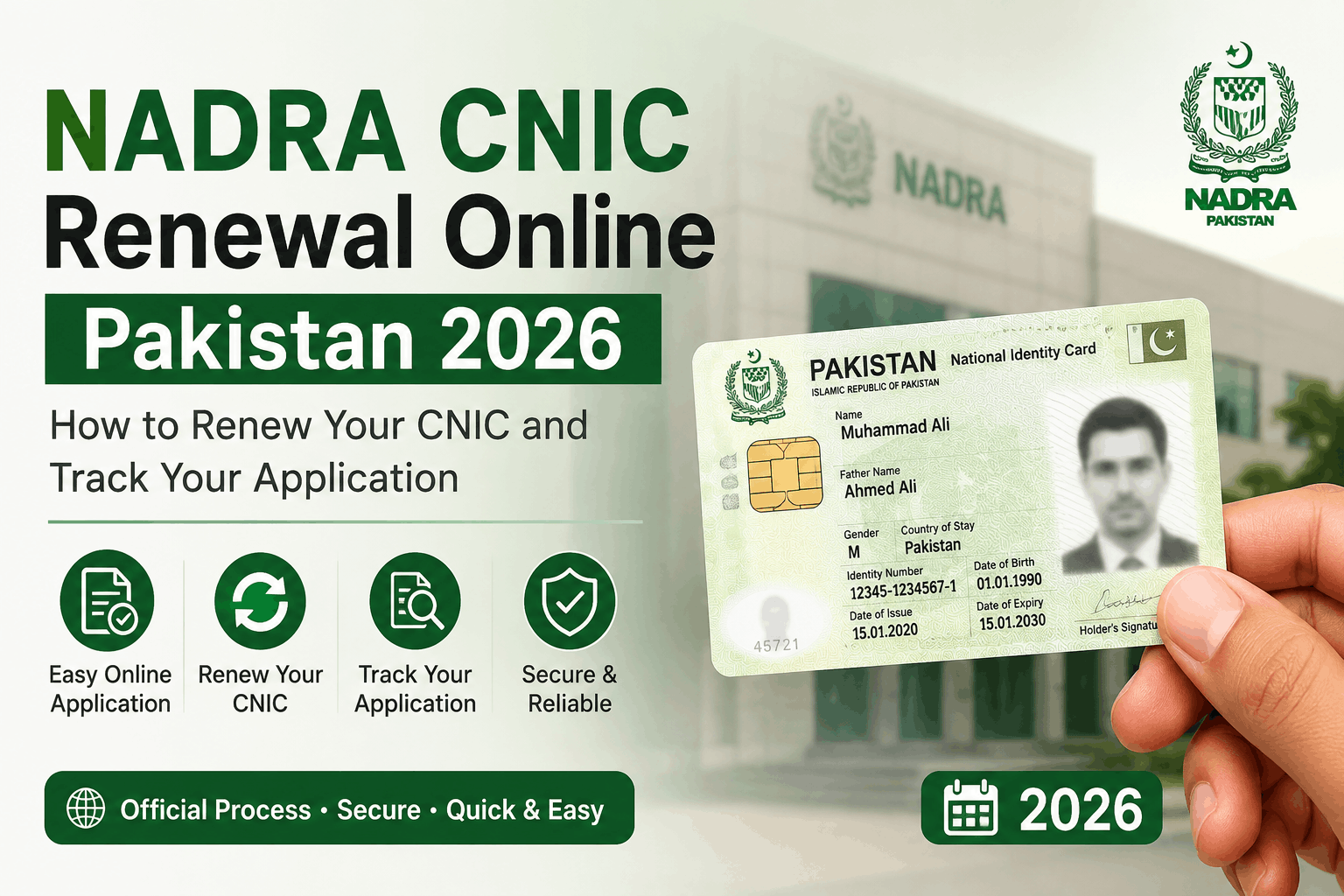
Picture this: you’re at a bank, trying to do something completely routine — maybe updating your account information, maybe applying for something — and the teller looks at your CNIC and says, “Sir, yeh expire ho chuki hai.” Your card expired. Not today, not last month. Six months ago. And you had absolutely no idea.
That’s exactly what happened to a friend of mine in Rawalpindi. His CNIC had quietly expired while he was busy with everything else life throws at you — work, family, bills. He hadn’t renewed it, hadn’t thought about it, and hadn’t realized how many things suddenly stop working the moment that card becomes invalid.
The bank account update — blocked. The mobile SIM registration he needed — blocked. A government scheme he was trying to access for his elderly mother — blocked at the very first step because his own CNIC was expired.
He spent three days sorting it out. Most of that time could have been saved if he’d known two things: how early to check expiry, and how to get it renewed without the misery of queuing at a NADRA office for half a day.
This guide is written so you don’t end up in that situation. Whether your CNIC is already expired, about to expire, or you’re just thinking ahead — here’s everything you need to know about NADRA CNIC renewal in 2026, including the online options that most people still don’t know exist.
First: How to Check If Your CNIC Is Expiring Soon
Before we get into the renewal process, check your current card. There’s an expiry date printed on every CNIC — it’s on the front of the card, usually a date 10 years from when it was issued.
If that date is within the next 3 to 6 months, start the renewal process now. Don’t wait. Government applications, bank verifications, scheme registrations — they all require a valid CNIC, and “mine is almost expired but still technically valid” doesn’t always satisfy the person behind the counter.
You can also check your CNIC status through the NADRA verification portal at nadra.gov.pk or by sending an SMS with your CNIC number to 7000 (Jazz, Telenor, Zong, Ufone — this service is available on major networks).
What “Online CNIC Renewal” Actually Means in Pakistan
Let’s clear something up first, because there’s a lot of confusion about this.
In Pakistan, you cannot complete CNIC renewal entirely from your phone or laptop. At some point, you will need to either:
a) Visit a NADRA office or facilitation center in person for biometric verification, or
b) Have a NADRA registration unit visit your location (this is available for certain categories — more on that below)
What you can do online:
- Submit your renewal application through NADRA’s portal
- Pay the renewal fee online (via credit/debit card or mobile wallet)
- Book an appointment at your nearest NADRA office
- Track your application and know exactly when your new card is ready for collection
The online system doesn’t replace the physical verification step — it just makes everything around it faster and significantly less painful.
Step-by-Step: How to Renew Your CNIC in 2026
Step 1: Go to the NADRA e-Services Portal
Open your browser and go to id.nadra.gov.pk — this is the official NADRA e-services portal for CNIC applications including renewals.
If the portal asks you to create an account, use your existing CNIC number and set up a password. Use an email you actually check — all application tracking notifications go there.
Important: There are unofficial websites that mimic the NADRA portal design. Always verify you’re on the official .gov.pk domain before entering any personal information.
Step 2: Select “Renewal” and Fill in Your Details
After logging in, select “CNIC Renewal” from the service options. The form will pull up your existing information from NADRA’s database automatically.
Review everything carefully:
- Name (exactly as it appears on your current CNIC)
- Father’s / husband’s name
- Date of birth
- Current address
If any of these need to be changed (for example, you’ve moved and want your new address on the renewed card), this is the time to flag it. Address changes require additional documentation — typically a utility bill at the new address and sometimes a residence certificate from your Union Council.
Step 3: Choose Your Processing Type and Pay the Fee
NADRA offers three processing speeds:
- Normal (25–30 working days): Rs. 300 for a regular CNIC, Rs. 200 for Senior Citizens (60+) and persons with disabilities
- Urgent (5–7 working days): Rs. 700
- Executive (next working day): Rs. 1,500
The fees are paid online through the portal using a debit/credit card, Jazz Cash, or EasyPaisa. Save your payment receipt — you’ll need the transaction reference number if anything goes wrong.
For most people in a non-emergency situation, Normal processing with an appointment is perfectly fine. For my friend who had already been blocked at the bank, he went with Urgent — worth the extra Rs. 400 to stop the cascade of blocked processes.
Step 4: Book Your NADRA Appointment
After payment, book an appointment at your nearest NADRA registration center through the portal. The appointment calendar shows available slots at centers near your registered address.
A few things that make this step smoother:
- Choose weekday mornings. Tuesday through Thursday between 9 AM and 12 PM tend to be the least crowded. Mondays and Fridays attract more foot traffic.
- Select a NADRA Mega Center if available. Major cities have Mega Centers (Islamabad F-8, Lahore Township, Karachi Saddar, etc.) that are better staffed and generally faster than smaller offices.
- Print or screenshot your appointment confirmation. Some centers won’t admit walk-ins without an appointment during busy periods.
Step 5: Visit the NADRA Office — What to Bring
On your appointment day, bring:
- Your current (or expired) CNIC — original
- Any supporting documents if you’re changing your address or any personal details
- Your appointment confirmation number
- The payment transaction reference
At the office, a registration officer will:
- Verify your existing record against what you submitted online
- Take a fresh photograph
- Capture fingerprints (all 10 fingers, re-scanned)
- Capture an iris scan
This biometric re-enrollment is the part that cannot be done remotely for most applicants. The whole in-office process takes about 15 to 25 minutes if you have an appointment and your documents are in order.
Step 6: Track Your Application
After the office visit, you’ll receive an SMS or can track your application status online at the NADRA portal.
When the card is ready, you’ll get an SMS notification. Collect from the same NADRA center you visited, bringing your old CNIC or passport as ID. For Executive processing, cards can sometimes be delivered to your home — confirm this option when booking.
The Mobile/Home Registration Option — When NADRA Comes to You
For people who genuinely cannot visit a NADRA office — the elderly, people with disabilities, individuals who are bedridden or housebound — NADRA provides a home visit service.
This has to be arranged through the NADRA helpline: 0800-23232 (toll-free). Explain that the applicant cannot physically come to an office and ask about the mobile registration service in your area.
This service isn’t widely advertised and the wait time for a home visit can be longer than a standard appointment, but it does exist and it does work. For my friend’s elderly mother — whose CNIC had also expired and who has difficulty walking — this was the route that ended up working.
NADRA e-Sahulat — The Alternative to Going to a Full NADRA Office
If there’s no NADRA registration center near you, or the wait times at your nearest center are too long, look for NADRA e-Sahulat points.
These are NADRA-authorized facilitation points operating from post offices, certain shops, and community centers across Pakistan — including in many smaller cities and towns where a full NADRA office doesn’t exist.
e-Sahulat points can process CNIC renewals with the same online appointment and payment system. The biometric capture happens there rather than at a full NADRA center.
To find the nearest e-Sahulat point: go to esahulat.nadra.gov.pk or ask at your nearest Pakistan Post Office — they often operate e-Sahulat services.
What NADRA Sends You After Renewal
When your renewed CNIC is ready, the new card will have:
- An updated expiry date (10 years from date of issue)
- Your fresh photograph
- Updated personal information if you requested any changes
- The same CNIC number — this never changes
The old card becomes invalid once the new one is issued. If your old card was expired, carrying it is fine for identification purposes at non-critical points, but for official transactions, only the new card counts.
Common Mistakes That Make This Process Harder Than It Needs to Be
Waiting until the card is already expired. Processing takes time — even Urgent takes 5-7 working days. If you apply after it’s already expired, you’ll have a gap period where you can’t do most official transactions. Start 2-3 months before expiry.
Not updating your address when you’ve moved. Your CNIC address matters for government schemes, bank accounts, utility connections, and voter registration. If you moved three years ago and your card still shows the old address, renewal is the perfect opportunity to fix this. It requires a utility bill at the new address.
Booking an appointment at the wrong center. Some centers serve specific registration areas. When booking online, the portal usually shows centers appropriate for your registered address — don’t override this by selecting a center in a different city just because it’s more convenient. You may be redirected.
Not bringing the original CNIC. The office needs to physically see your current or most recently issued card. A photocopy isn’t acceptable for this step.
Ignoring the tracking SMS. Once your card is ready, most NADRA centers hold it for 60-90 days. After that, uncollected cards may be returned or held separately. Check your SMS and email, and collect promptly.
Using unofficial “NADRA agents” near the office. Near every busy NADRA center in Pakistan, there are people offering to “process your application faster” for Rs. 500 to Rs. 2,000. They are not NADRA employees. They may fill out forms you could fill yourself, charge you for it, and sometimes cause complications. NADRA’s process is straightforward enough to do yourself, especially with an online appointment.
How Long Does It Actually Take? Realistic Timelines
Based on real experiences rather than the official estimates:
- Executive processing: Usually 1-2 working days but can vary by center workload. Major city centers are more reliable for this.
- Urgent processing: 5-10 working days in practice. Busy seasons (Eid, summer holidays) can push this to two weeks.
- Normal processing: Anywhere from 3 to 6 weeks. Worth checking your status online rather than just waiting.
A Final Word
The reason my friend’s situation got so complicated wasn’t the renewal process itself — that part turned out to be manageable. It was the six months of not noticing, not checking, and not acting while the expiry date quietly passed.
The NADRA online portal genuinely makes this easier than it was five years ago. Appointments, online payment, application tracking — these things work. The biometric step still requires showing up in person, but that’s a single 20-minute visit instead of a full-day ordeal if you’ve done the online prep work first.
Check your expiry date today. If it’s within six months, open the NADRA portal this week. The actual renewal is much simpler than the anxiety around it tends to suggest.
Have a question about a specific step, or getting a confusing error on the NADRA portal? Leave a comment below — we’ll try to help you navigate it.