
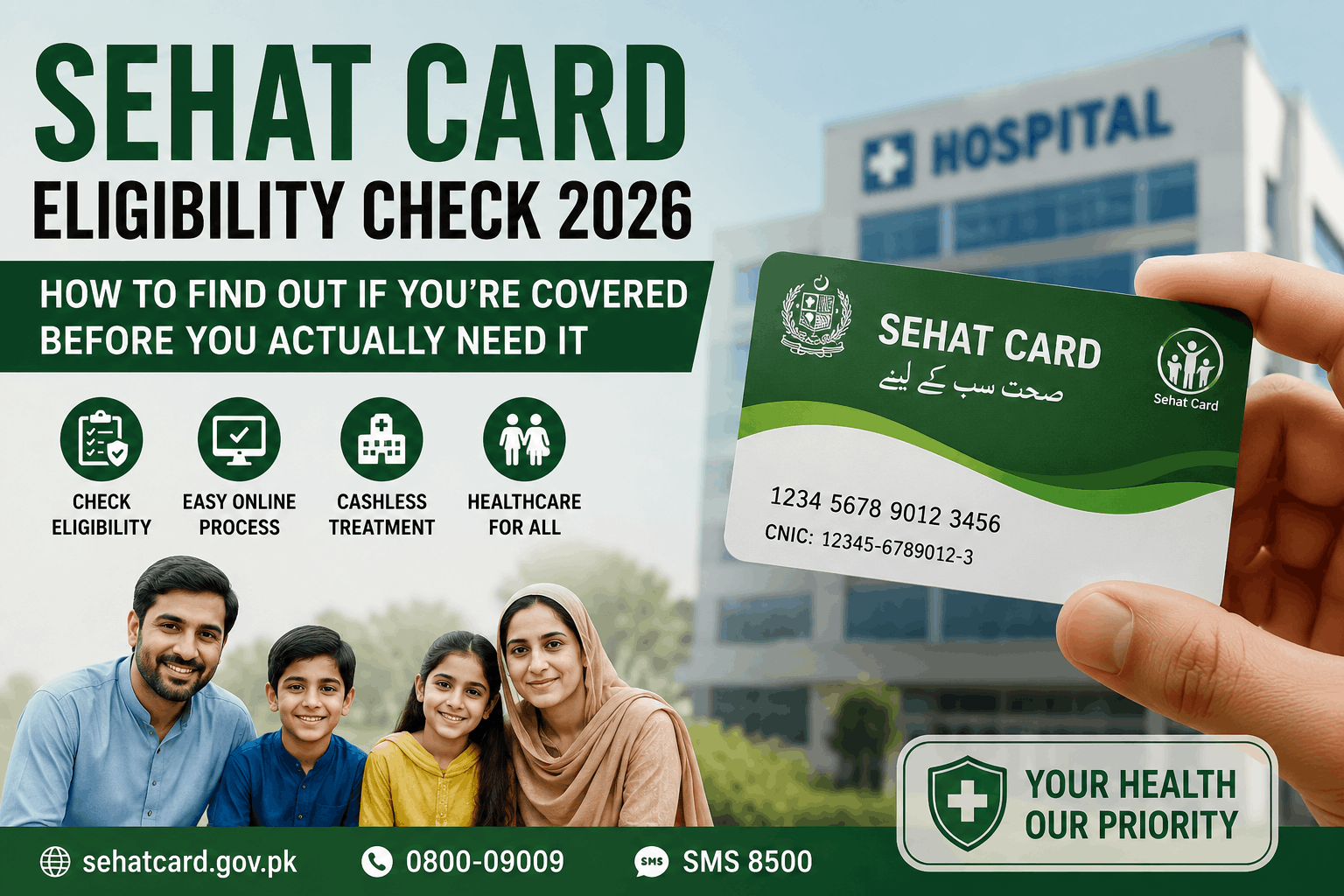
Imagine your family has a Punjab CNIC, you live in Lahore, and you’ve always assumed the Sehat Card covers you — because that’s what everyone said, and it seemed logical enough not to check.
Now imagine finding out otherwise at the worst possible moment: at a hospital admission desk, CNIC in hand, waiting for a kidney procedure to begin.
That’s exactly what happened to one family in Lahore. The hospital’s Sehat Card desk ran the CNIC and it came back “not enrolled.” Forty-five minutes at the desk later, the reason surfaced: the CNIC still showed an address in Bahawalpur — a city she hadn’t lived in for eight years. The system had her registered in that district, not Lahore. The Union Council that should have enrolled her locally had no record of her at all.
The procedure went ahead anyway. The family paid out of pocket: Rs. 120,000, money they had, but barely.
Every part of that gap was fixable — before it became an emergency. The CNIC address, the enrollment, the verification, all of it could have been resolved with one visit to a Union Council, at any calm afternoon in the two years before that hospital visit.
This guide is that calm afternoon. Do the check now, not during the next emergency.
Why Eligibility Checking Matters More Than People Think
Most families who have Sehat Card coverage don’t actually know they have it. It was enrolled automatically, nobody explained it to them, and it sits as an invisible layer of protection until — or unless — someone thinks to check.
The flip side is equally common: families who assume they’re covered but aren’t, either because enrollment never happened, because an address change wasn’t registered, or because a family member’s CNIC was never linked to the household record.
Knowing your enrollment status today, in a non-emergency moment, takes about five minutes and can save you Rs. 100,000+ in a future crisis.
That’s the only thing this guide is asking you to do.
Method 1: Online Check at the Official Punjab Sehat Card Portal
For Punjab residents — which covers the largest single population of Sehat Card beneficiaries — the quickest check is the online portal.
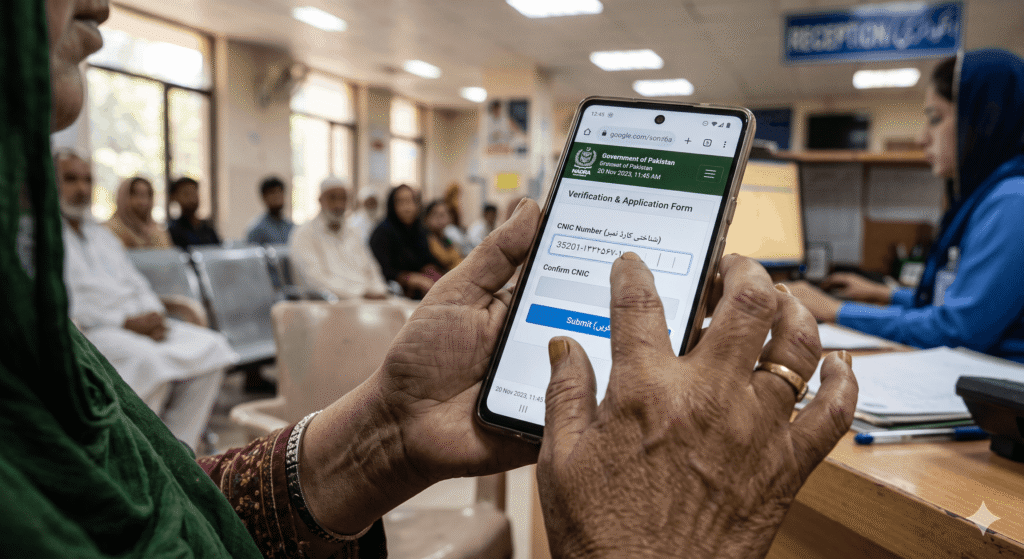
Website: sehat.punjab.gov.pk
Steps:
- Go to the website on any device with internet (phone browser works fine)
- Look for the “Eligibility Check” or “Verify Your Status” section — it’s on the homepage or in the top navigation
- Enter your 13-digit CNIC number (no dashes)
- Submit
The result will tell you one of the following:
- Enrolled / Eligible: Your CNIC is in the system and your family is covered
- Not enrolled: Your CNIC isn’t registered in the Punjab Sehat Card system
- Verification required: Your status is in the system but there’s an issue that needs resolution
If the site is slow or not loading (government portals can have traffic issues), try again during off-peak hours — early morning or late evening works best.
Method 2: Helpline Check
If you don’t have reliable internet access or the online portal isn’t giving you a clear answer, the helpline is the next fastest option.
Punjab Sehat Card helpline: 0311-1117771
Call during business hours (Monday to Saturday, 9 AM to 5 PM). Give the operator your CNIC number and ask: “Is this CNIC registered under the Punjab Sehat Card program?”
The operator can check your enrollment status in real time and tell you:
- Whether you’re enrolled
- Which family members are linked to your coverage
- Whether there are any flags or issues on your account
- What to do if you need to enroll or correct something
Note the operator’s name and whatever reference number they provide if there’s an issue. This is useful for follow-up.
Method 3: Visit Your Union Council Office
For people who want face-to-face confirmation, or for those who are in a UC that doesn’t have their enrollment in the system yet, visiting the Union Council is the direct path.
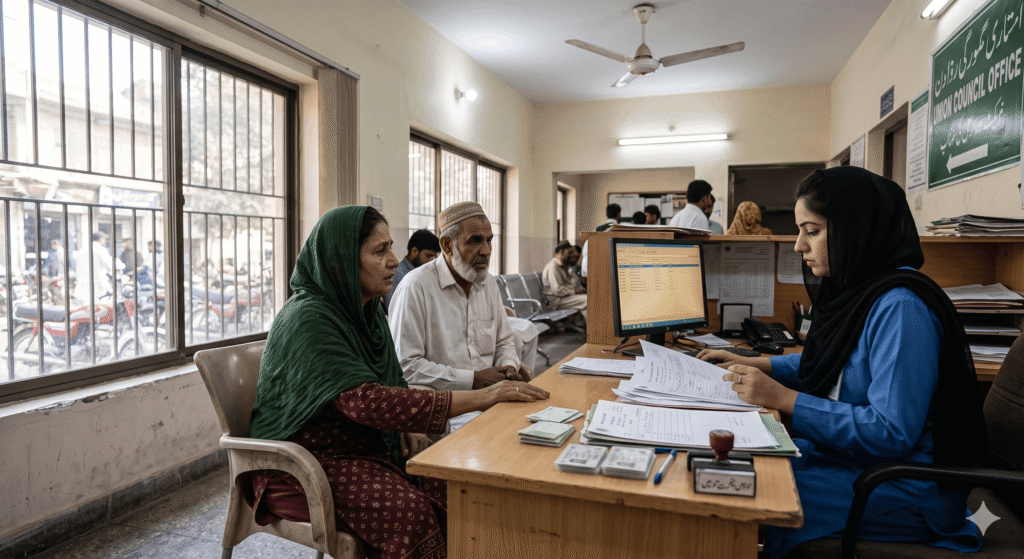
The UC Secretary or a designated Sehat Card enrollment officer can:
- Check your enrollment status against their records
- Enroll you if you’re missing from the system
- Update your family member records if someone needs to be added
Bring:
- Original CNIC (yours and your spouse’s if checking joint coverage)
- B-Forms for children under 18 (needed if you want to confirm children are linked to coverage)
- Any previous Sehat Card documentation you received
Union Councils in Punjab have been the primary distribution point for Sehat Card enrollment. The coverage is supposed to be universal in Punjab — every registered household. If your UC shows you’re not enrolled and you have a Punjab CNIC, push for enrollment. It’s supposed to be your right as a Punjab resident.
Method 4: Check at an Empanelled Hospital
This is the least convenient method but it works when nothing else does — go to the Sehat Card desk at any empanelled hospital with your CNIC and ask them to run a status check.
Hospital Sehat Card desks have direct access to the insurance verification system. They can tell you within minutes whether your CNIC is enrolled and what coverage is showing.
You don’t need to be a patient to ask for a status check. Walk up to the desk, explain you want to verify your coverage before you need it, hand them your CNIC.
Not every desk will be willing to do this outside of an active admission — it depends on the staff. But most are accommodating if you explain you’re just verifying coverage proactively.
Method 5: For Federal Ehsaas/BISP-Linked Coverage (Non-Punjab)
If you’re outside Punjab and your Sehat Sahulat coverage comes through the federal Ehsaas program (linked to BISP registration), the check process is slightly different:
Online: Go to sehat.gov.pk (the federal portal, separate from Punjab’s) and look for the beneficiary verification section. Enter your CNIC.
Via BISP: Send your CNIC to 8171 via SMS. If you’re a BISP Kafaalat beneficiary, your Sehat Sahulat enrollment is linked to your BISP status. The 8171 reply will usually indicate your enrollment.
BISP helpline: Call 0800-26477 and ask specifically about Sehat Sahulat coverage for your household.
BISP Tehsil Office: Visit in person if you need confirmation or if the status is showing an issue.
What the Different Status Results Mean
When you check and get a result, here’s what each common response means in practice:
“Enrolled” / “Eligible” / “Active”: Your CNIC is registered and coverage is active. Your family is covered up to the annual limit at empanelled hospitals. No action needed — just save this information somewhere you’ll find it in an emergency.
“Not enrolled” / “Not found”: Your CNIC isn’t in the system. This doesn’t necessarily mean you don’t qualify — it may mean enrollment never happened or there’s a data issue. Action needed: visit your Union Council (Punjab) or BISP Tehsil Office (other provinces) to investigate and enroll.
“Limit exhausted”: Your family has used the full Rs. 1,000,000 annual coverage in the current year. Coverage resets at the start of the next benefit year. If there are pending medical needs, plan around the reset date.
“CNIC mismatch” / “Data error”: There’s an inconsistency between your CNIC records and the enrollment data. This is what happened with Waqas’s mother — old address showing in a different district. Action needed: CNIC update at NADRA + UC enrollment update.
“Family member not linked”: The main household member is enrolled but a specific family member you’re checking isn’t showing as covered. Action needed: visit UC to add the family member with their CNIC/B-Form.
What to Do If You’re Not Enrolled — Enrollment Steps
If the check shows you’re not enrolled and you should be:
For Punjab residents:
- Visit your nearest Union Council office — specifically the one for the area where your CNIC address is registered.
- Tell them you’re not showing as enrolled in the Sehat Card program and you want to be registered.
- Bring:
- Original CNIC (and copies)
- Spouse’s CNIC and children’s B-Forms for comprehensive family enrollment
- Proof of current residence if your CNIC address is outdated (utility bill)
- The UC staff will process your enrollment through the PHIMC system.
- Ask for confirmation — a receipt, a reference number, or written acknowledgment — that enrollment was processed.
- Check the online portal again after 7–10 days to confirm your CNIC now shows as enrolled.
For BISP beneficiaries outside Punjab:
- Confirm your BISP enrollment is active via 8171 SMS.
- Visit your BISP Tehsil Office and specifically ask about Sehat Sahulat enrollment for your household.
- The office can process the linkage if it hasn’t happened automatically.
The CNIC Address Problem — Why It Matters More Than People Realize
Waqas’s mother’s situation highlighted something important: your CNIC address determines which Union Council is responsible for your enrollment.
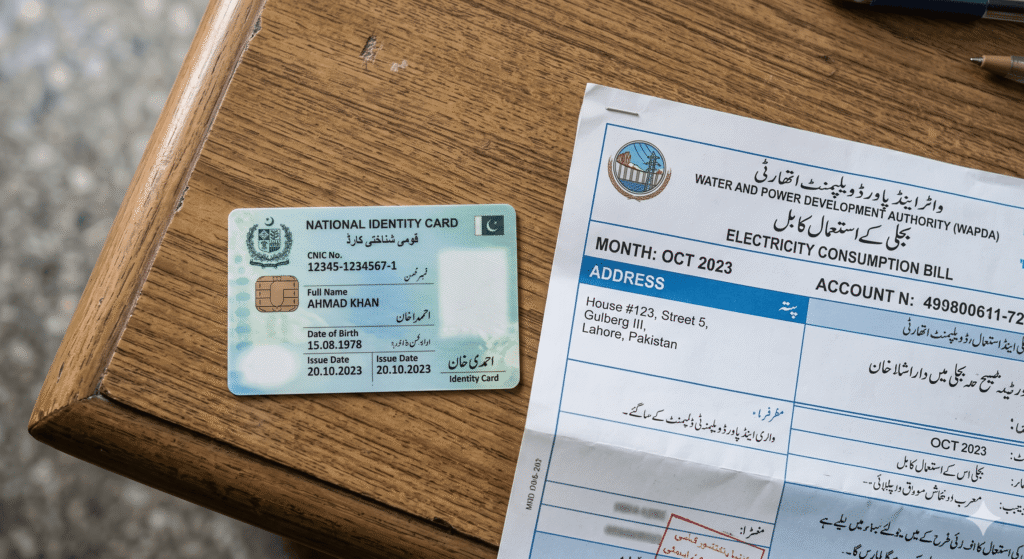
If you moved cities or neighborhoods but never updated your CNIC address with NADRA:
- Your CNIC still shows the old address
- The old UC may have enrolled you there
- The new UC in your current neighborhood may have no record of you
- If the old enrollment was done in a different province, it may be under a different program structure entirely
This creates invisible coverage gaps that only appear when you’re at a hospital desk.
Two situations where you should update your CNIC and re-verify Sehat Card:
- You moved and your CNIC shows an old address. Update your CNIC at NADRA (the address change is straightforward and costs around Rs. 300). Then check your Sehat Card enrollment at the UC for your current address.
- Your family members have different CNIC addresses. In families where children or spouses registered at different addresses, each person’s enrollment may be fragmented. Check each CNIC separately.
The CNIC update at NADRA isn’t just for Sehat Card — it affects your eligibility for virtually every government program. An accurate CNIC address is worth maintaining.
What Waqas Did After His Mother’s Hospital Experience
He spent about three months after that hospital situation resolving the coverage issue for his entire family.
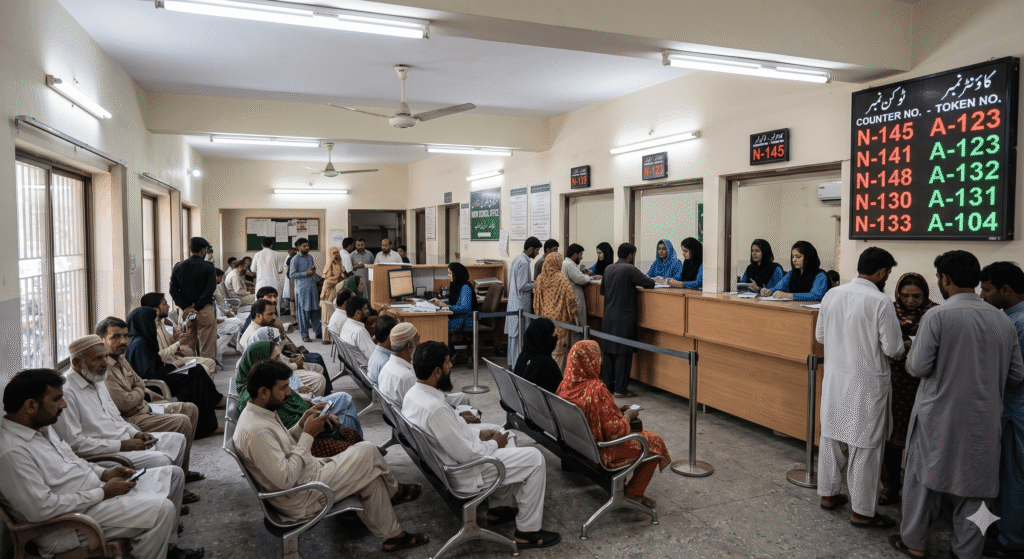
Step 1: His mother’s CNIC was updated at NADRA to show their Lahore address. Cost: Rs. 350. Processing time: about a week.
Step 2: He visited the UC office for their Lahore neighborhood. They processed enrollment for his mother, his father, and his unmarried sister who was living with them. Three people enrolled or confirmed in one visit.
Step 3: He checked the portal one week later. All three CNICs showed as enrolled.
Step 4: He saved the helpline number (0311-1117771) in his phone under “Sehat Card” specifically for the moment when someone might be on the way to a hospital.
He also told his three siblings in other cities to check their own coverage. Two of them found issues — one had an expired CNIC linked to a different address, one had never checked and was actually enrolled correctly.
The Rs. 120,000 the family paid at the hospital was gone. But the next emergency — there often is one — will be different.
A Practical Checklist for Right Now
If you’re reading this and haven’t checked your family’s coverage:
☐ Check your CNIC on sehat.punjab.gov.pk (Punjab) or sehat.gov.pk (federal) ☐ Check each adult family member’s CNIC separately ☐ Verify children are linked to coverage (via UC visit with B-Forms) ☐ Confirm your CNIC address matches your actual current address ☐ If not enrolled: visit your UC office with original CNIC ☐ Save the helpline number: 0311-1117771 ☐ Find your nearest empanelled hospital and save its name and number
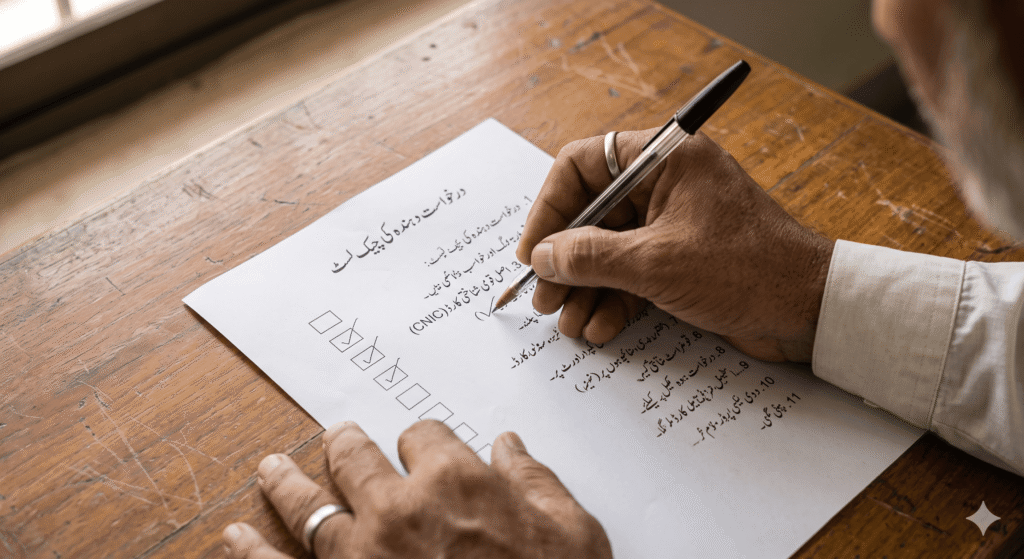
That checklist takes under an hour total. One afternoon. Before you ever need it.
Common Mistakes That Leave Families Unprotected
Assuming enrollment is automatic. In Punjab it’s supposed to be, but gaps exist. Assumption without verification is what left Waqas’s mother uncovered. Verify.
Checking only the primary earner’s CNIC. Family coverage requires each member’s CNIC to be correctly linked. Check your CNIC, your spouse’s, and confirm children’s B-Forms are registered.
Not updating CNIC after moving. The most common structural reason for enrollment gaps. CNIC address determines your enrollment district. Old address = potential gap.
Waiting until a hospital visit to find out. This is the most frustrating mistake because it’s entirely avoidable. The hospital desk during an emergency is the worst place to discover you have a coverage problem.
Not following up after UC enrollment. If the UC processes your enrollment, check the portal again in 7–10 days to confirm it’s actually showing in the system. Sometimes there are data transfer delays.
Quick Reference
| Check Method | Best For | Contact |
|---|---|---|
| sehat.punjab.gov.pk | Punjab residents, quick online check | Website only |
| sehat.gov.pk | Federal/BISP-linked coverage | Website only |
| Helpline | Anyone needing to talk to a person | 0311-1117771 |
| Union Council office | Enrollment, corrections, family additions | Your local UC |
| Hospital Sehat Card desk | In-person verification | Any empanelled hospital |
| BISP 8171 SMS | BISP beneficiaries (outside Punjab) | Send CNIC to 8171 |
Eligibility checking is the five minutes that stands between knowing you’re protected and finding out at the worst possible moment that you’re not.
Waqas would rather have spent those five minutes before his mother’s procedure than the Rs. 120,000 and the three months of administrative cleanup afterward.
Check now. Update what needs updating. Save the helpline number.
That’s it. That’s the whole guide.
Want to check if you’re eligible for the Sehat Card? Use the official Sehat Sahulat portal below to verify your eligibility, find panel hospitals, and access the latest program updates.
Check Sehat Card Eligibility OfficialChecked and got an unexpected result — “not enrolled” when you thought you should be, or a different district showing, or a family member not linked? Leave a comment with what you’re seeing and we’ll try to help you figure out the next step.